You know your business needs video. Your competitors are using it, your audience expects it, and every marketing platform rewards it. But when you sit down to actually plan your first marketing video, the process can feel overwhelming. Where do you start? What kind of video should you make? How do you ensure the final product actually drives results? According to Wyzowl’s 2026 State of Video Marketing report, 91% of businesses now use video as a marketing tool, and 87% say it directly increases sales. The opportunity is massive — but only if you approach it strategically.
This guide walks you through exactly how to create a marketing video for your business, step by step. Whether you’re a small business owner in Washington DC, a nonprofit leader in Richmond, or a growing company in Baltimore, these principles will help you plan, produce, and promote a video that actually moves the needle.
Step 1: Define Your Goal Before You Do Anything Else
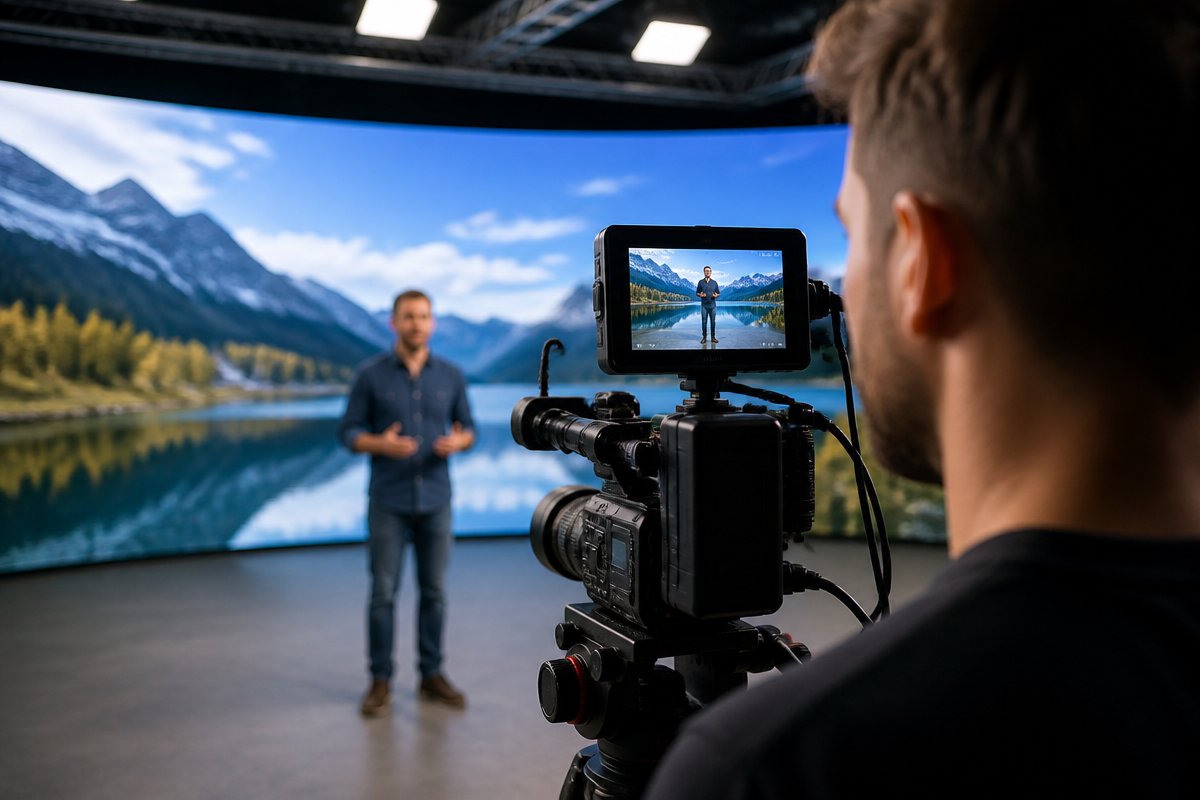
The single biggest mistake business owners make with their first marketing video is skipping the strategy. They jump straight to scripting or shopping for cameras without ever answering the most important question: what is this video supposed to accomplish?
Every effective marketing video starts with a clear, measurable goal. Your goal shapes every decision that follows — the type of video you create, how long it is, where you distribute it, and how you measure success.
Common Marketing Video Goals
- Brand awareness: Introduce your company, mission, or values to a new audience
- Lead generation: Drive viewers to fill out a form, book a call, or request a demo
- Product or service explanation: Show how your offering works and why it matters
- Customer trust: Feature testimonials or case studies that build credibility
- Recruitment: Attract top talent by showcasing your culture and team
- Event promotion: Generate excitement and registrations for an upcoming event
Write your goal down in one sentence. For example: ‘This video will drive 200 demo requests from mid-market HR directors in Q2.’ That specificity will keep your project focused from start to finish.
Step 2: Know Your Audience and Craft Your Message
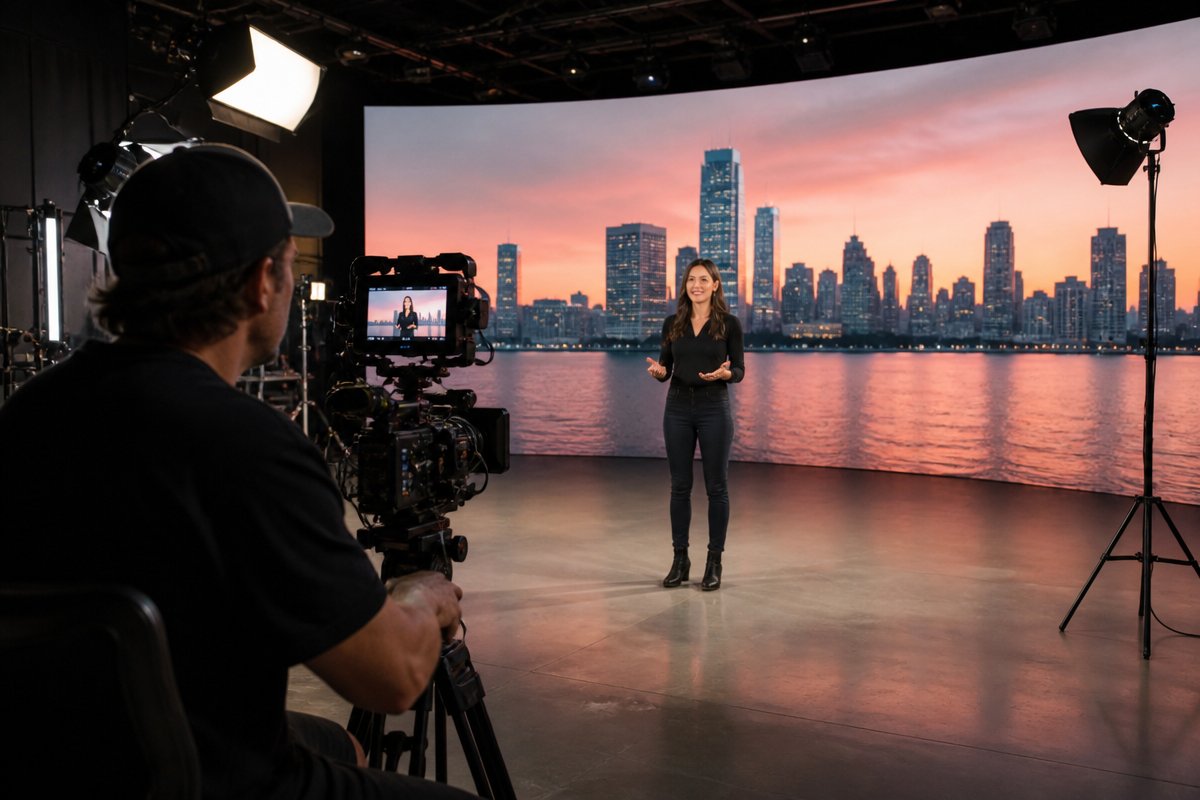
With your goal established, the next step is understanding exactly who you’re talking to. A marketing video that tries to speak to everyone ends up resonating with no one.
Build a Simple Audience Profile
You don’t need a 20-page persona document. Answer these four questions:
- Who is your ideal viewer? (Job title, industry, demographics)
- What problem are they facing? (The pain point your business solves)
- What do they need to believe to take the next step with you?
- Where will they watch this video? (Social media, your website, email, a trade show)
These answers directly inform your messaging. A video targeting government procurement officers in DC requires a completely different tone and structure than one targeting first-time homebuyers in Richmond.
Develop Your Core Message
Your marketing video should communicate one core message. Not three. Not five. One. Viewers have short attention spans, and a focused message is far more persuasive than a laundry list of features.
Use this framework to draft your core message:
- Problem: Name the challenge your audience faces
- Solution: Position your business as the answer
- Proof: Provide evidence (data, testimonials, results)
- Action: Tell viewers exactly what to do next
Step 3: Write a Script That Holds Attention
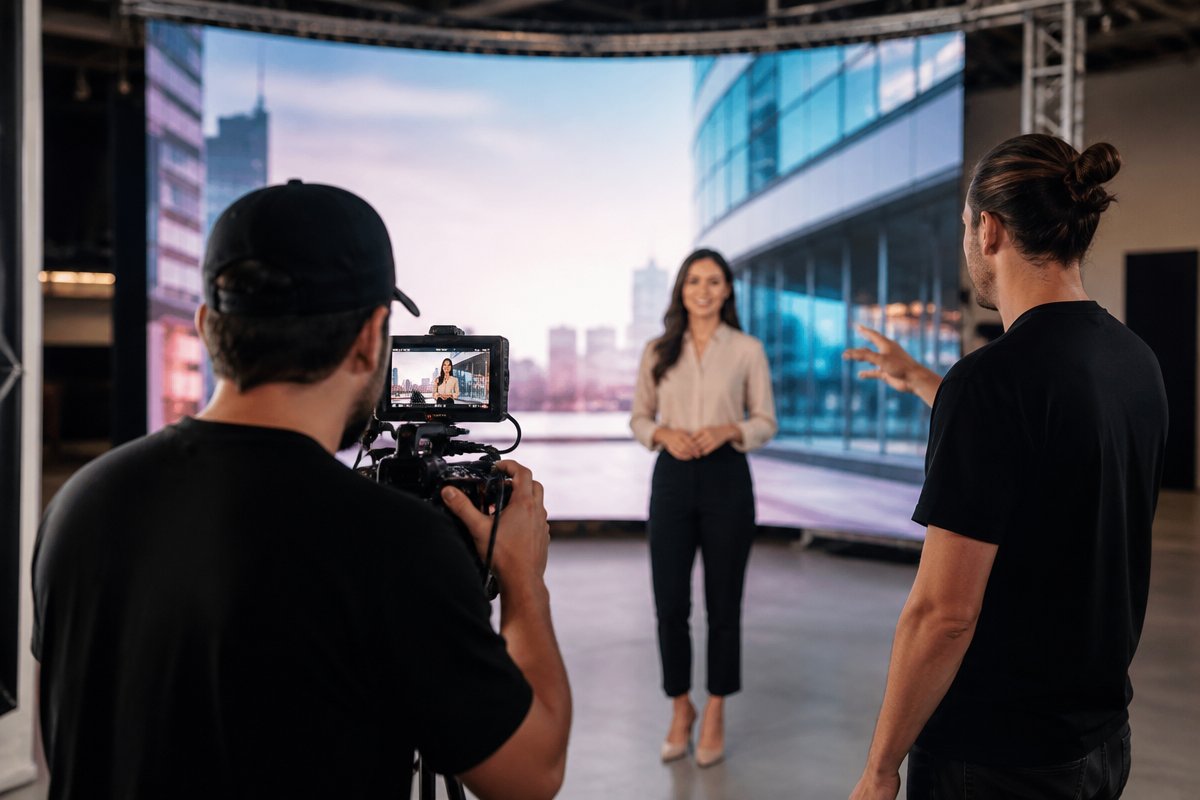
Even if your video feels casual or conversational, it needs a script. Winging it almost always results in a rambling, unfocused video that loses viewers in the first 10 seconds.
Scriptwriting Best Practices
- Hook in the first 5 seconds. Open with a question, a bold statement, or a surprising statistic that immediately earns attention. Do not start with your company name or logo.
- Keep it conversational. Write the way people actually talk. Read your script aloud — if it sounds stiff or corporate, rewrite it.
- Respect the clock. A general rule: 150 words equals roughly one minute of screen time. For most marketing videos, aim for 60 to 90 seconds. That means your script should be 150 to 225 words.
- End with a clear call to action. Tell viewers exactly what you want them to do: visit your website, call your team, subscribe, or book a consultation.
Script Structure Template
- Hook (5-10 seconds): Grab attention with the viewer’s pain point
- Problem (10-15 seconds): Expand on the challenge they’re facing
- Solution (20-30 seconds): Introduce your business and how you solve it
- Proof (15-20 seconds): Share a result, testimonial, or differentiator
- CTA (5-10 seconds): Direct the viewer to take one specific action
If writing isn’t your strength, that’s perfectly fine. A professional marketing video production team can help you develop a script that’s sharp, persuasive, and on-brand.
Step 4: Plan Production — The Details That Make or Break Your Video
Pre-production is where amateurs and professionals diverge. The quality of your finished video depends heavily on how well you plan the shoot before cameras ever roll.
Decide on Video Style
Your goal and audience should guide the style of your video. Here are common formats for business marketing videos:
- Talking head: A spokesperson or executive speaks directly to camera. Great for thought leadership and trust-building.
- Testimonial: Real customers share their experience. Highly persuasive for lead generation.
- Product demo: Show your product or service in action. Ideal for explanation and conversion.
- Animated explainer: Motion graphics walk viewers through a concept. Works well for complex or technical offerings.
- Brand story: Cinematic storytelling that conveys your mission and values. Strong for awareness campaigns.
Location, Talent, and Logistics
For each of these elements, you need a plan:
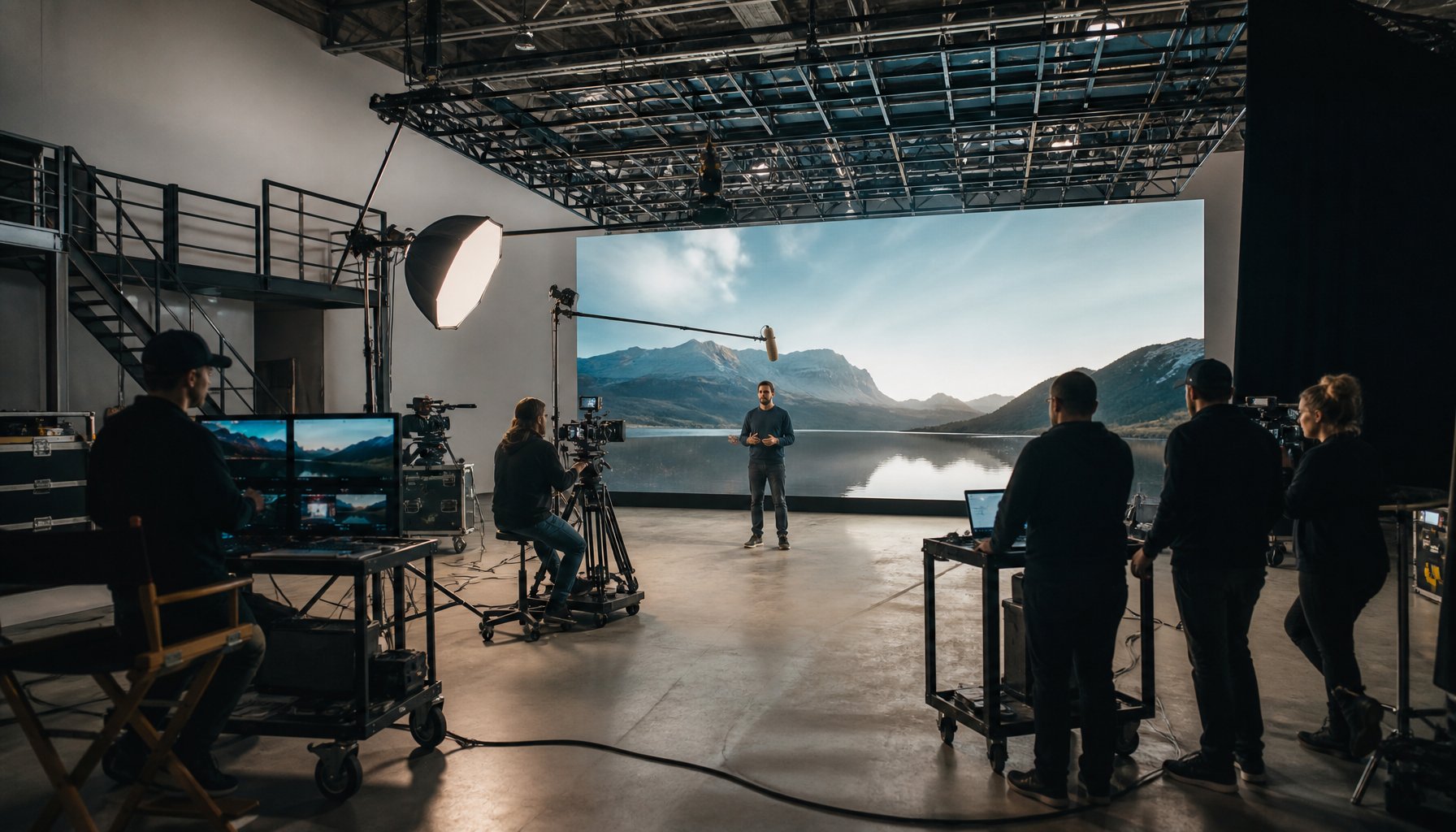
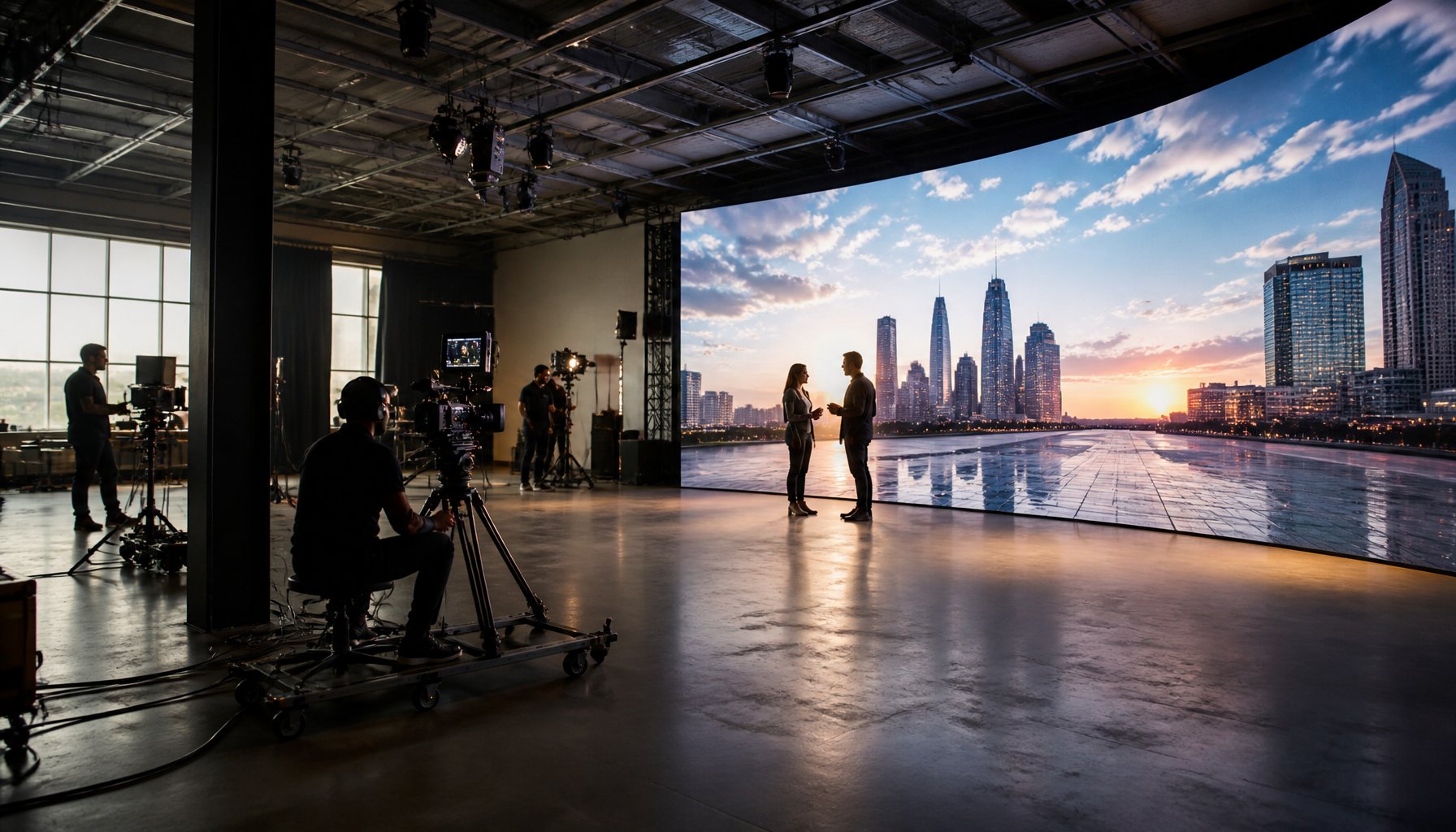
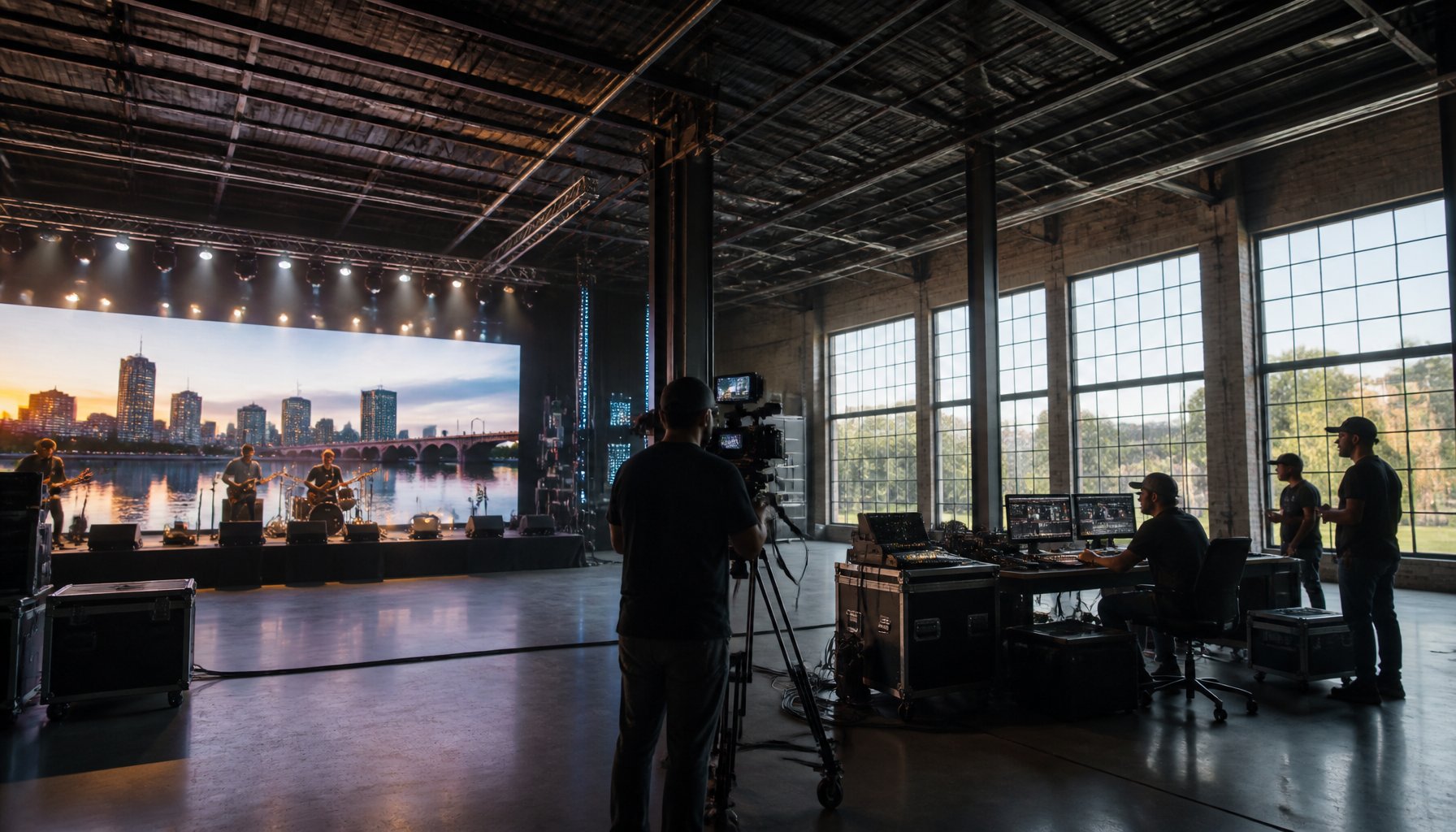
- Location: Will you film at your office, on location, or in a professional studio? A controlled studio environment eliminates issues with lighting, sound, and weather. If you’re in the DC area, a professional studio with proper lighting and sound treatment can dramatically elevate production value.
- Talent: Who will appear on camera? Employees, actors, or real customers? Whoever it is, schedule a brief rehearsal so they feel comfortable.
- Wardrobe and branding: Ensure clothing choices align with your brand. Avoid busy patterns or logos from other companies.
- Shot list: Create a list of every shot you need. This keeps the shoot efficient and ensures you don’t miss critical footage.
DIY vs. Professional Production
Some business owners wonder whether they can create a marketing video with a smartphone and free editing software. The honest answer: it depends on the stakes. If you’re making a quick social media clip for Instagram Stories, your phone might be fine. But if this video will live on your homepage, run as a paid ad, or represent your brand at a major conference, professional production is worth the investment.
Professional crews bring cinema-grade cameras, lighting, audio equipment, and — most importantly — the expertise to use them. They also bring creative direction, which is the intangible that separates forgettable content from videos that convert.
Step 5: Post-Production — Where Your Video Comes to Life
Filming is only half the process. Post-production is where raw footage transforms into a polished, compelling marketing asset.
Key Post-Production Steps
- Editing: Assembling the best takes, cutting for pacing, and creating a narrative flow that matches your script structure
- Color grading: Adjusting colors for a consistent, professional look that aligns with your brand palette
- Sound design: Cleaning up audio, adding music, and mixing levels so dialogue is crisp and clear
- Graphics and text: Adding lower thirds, titles, logo animations, and on-screen text that reinforce your message
- Captions: Essential for accessibility and for viewers watching without sound (which is the majority on social media — Facebook reports 85% of video is watched on mute)
- Format optimization: Exporting different versions for different platforms — horizontal for YouTube, vertical for TikTok and Reels, square for LinkedIn feeds
Post-production typically takes longer than the shoot itself. Budget adequate time for revisions, especially if multiple stakeholders need to approve the final cut.
Step 6: Distribute and Promote Your Video Strategically
A brilliant marketing video that no one sees is a wasted investment. Distribution strategy is just as important as production quality.
Where to Publish Your Marketing Video
- Your website: Embed the video on your homepage, service pages, or a dedicated landing page. Video on landing pages can increase conversions by up to 80%, according to EyeView Digital research.
- YouTube: The world’s second-largest search engine. Optimize your title, description, and tags with relevant keywords.
- LinkedIn: The strongest platform for B2B marketing video. Native uploads outperform shared links.
- Instagram and Facebook: Use short cuts and teasers to drive traffic to the full video.
- Email campaigns: Including the word ‘video’ in a subject line increases open rates by 19% (Campaign Monitor). Embed a thumbnail that links to your video.
- Paid advertising: Run your video as a pre-roll ad on YouTube, a sponsored post on LinkedIn, or a targeted ad on Meta platforms.
Repurpose for Maximum ROI
One marketing video can become dozens of content assets:
- Cut 15- and 30-second clips for social media
- Extract audio for a podcast segment
- Pull quotes for graphic posts
- Transcribe the script into a blog post or article
- Create a GIF from a key moment for email marketing
This repurposing approach ensures you extract maximum value from your production investment.
Frequently Asked Questions
How much does it cost to create a marketing video for a business?
Marketing video costs vary widely based on scope, length, and production quality. A basic talking-head video might start around $3,000 to $5,000, while a fully produced brand video with multiple locations, professional talent, and advanced post-production can range from $10,000 to $50,000 or more. The most important factor is aligning your budget with your goals — a high-converting video that generates measurable ROI is worth a premium investment.
How long should a marketing video be?
For most business marketing videos, 60 to 90 seconds is the sweet spot. Social media ads perform best at 15 to 30 seconds. Explainer or testimonial videos can run 2 to 3 minutes if the content is compelling. The key rule: every second must earn the viewer’s attention. If you can communicate your message in 60 seconds, don’t stretch it to three minutes.
Can I create a marketing video myself, or should I hire a production company?
You can create simple videos yourself using a smartphone and basic editing tools. However, for videos that represent your brand in high-stakes contexts — your website, paid advertising, investor presentations, or trade shows — professional production delivers significantly better results. A production company brings expertise in storytelling, cinematography, lighting, sound, and editing that directly impacts how your audience perceives your brand.
What type of marketing video should I create first?
If you’ve never produced a marketing video, start with either a brand overview video or a customer testimonial. A brand overview gives you a versatile asset you can use across your website, social media, and sales presentations. A testimonial builds trust quickly and is one of the most persuasive video formats available. Both offer strong ROI for a first video project.
How do I measure the success of my marketing video?
Track metrics aligned with your original goal. For awareness, measure views, reach, and impressions. For engagement, track watch time, completion rate, and social shares. For lead generation, monitor click-through rates, form submissions, and conversions attributed to the video. Use UTM parameters on links and platform analytics to connect video performance to business outcomes.
How long does it take to produce a marketing video from start to finish?
A typical marketing video project takes 4 to 8 weeks from initial strategy and scripting through final delivery. Simple projects can be completed faster, while complex productions with multiple shoot days, animation, or extensive revisions may take longer. The pre-production phase — goal setting, scripting, and planning — usually accounts for about half of the total timeline.
Ready to Create Your First Marketing Video?
Learning how to create a marketing video for your business starts with strategy and ends with smart distribution. Every step in between — scripting, planning, filming, editing, and promoting — builds on the foundation of a clear goal and a deep understanding of your audience.
If you’re ready to move from planning to production, TriVision Studios is a full-service video production company serving businesses across Washington DC, Richmond, Baltimore, and NYC. From concept development and scriptwriting to professional filming and post-production, our team creates marketing videos that are built to perform. Get in touch with TriVision Studios to start your project today.