A year-end leadership video does not have to cover the whole year. Start with one clear takeaway, two or three examples that make it tangible, and one specific next step. For a stand-alone message, aim for 90 seconds to two minutes as a planning target, then read it aloud to see where you can cut. If employees need operational details, link to the memo or FAQ instead of reading it on camera.
For communications teams in Washington, DC, Northern Virginia and Maryland, the calendar often decides what is possible. An executive may be in a Tysons office one day and at a board meeting downtown the next. Build the shoot around the person, but work backward from the moment employees need to hear the message, leaving enough time to review facts, captions and distribution.
Decide who needs to hear what
Pick a primary audience before the script gets passed around. Employees want to know what changed, what their work made possible and what to expect in January. Members or customers may need a different thank-you and different next steps. If you need both versions, write two openings and two closings. Use the same footage only for the material that genuinely applies to both audiences, and don’t let internal numbers or plans slip into a public edit.
Write a script someone would actually say
Try four short beats: thank, show, look ahead, act. Thank a specific group for specific work. Show what it changed with a concrete example rather than a list of adjectives. Name one priority for next year. Close with an action people can take, such as reading a recap or joining a January town hall. Where the year was difficult, acknowledge it plainly rather than substituting a highlight reel for the hard part.
Read it aloud. Break long sentences. Spell out unfamiliar initials and add pronunciation notes for names. Keep a list of every number or claim that needs checking, who can verify it and when it is safe to use. If a figure may change after the shoot, put it in an editable graphic or record a clean alternate line while the speaker is on set.
Pick a location for the story and the sound
An office shoot works if the workplace is part of the story. Before choosing a room, listen for HVAC, hallway traffic and noise from nearby meetings. Check what is visible through windows or on monitors, and set aside a quiet room for alternate takes. If people, equipment or workspaces appear as supporting footage, clear their use for every intended channel.
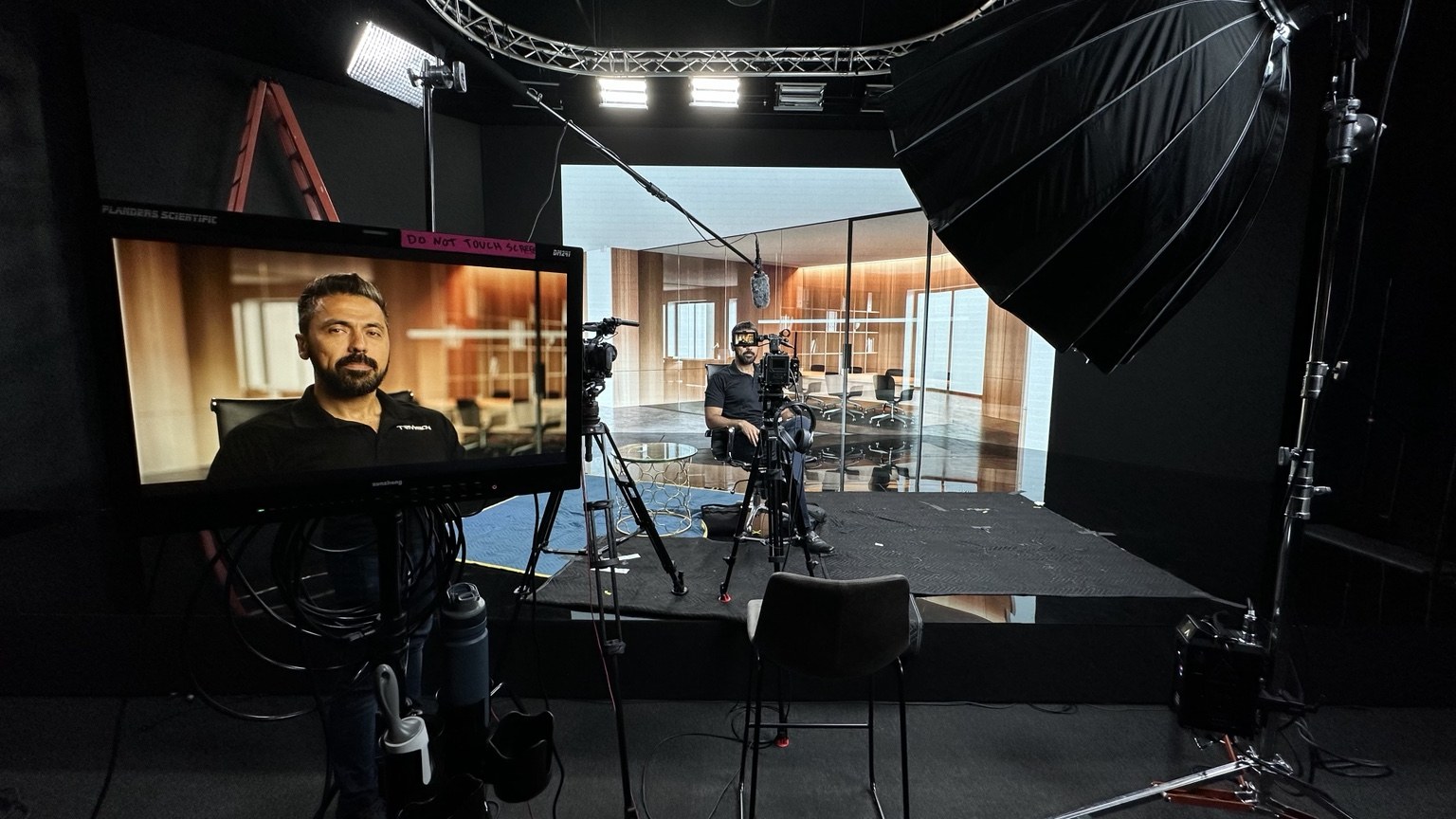
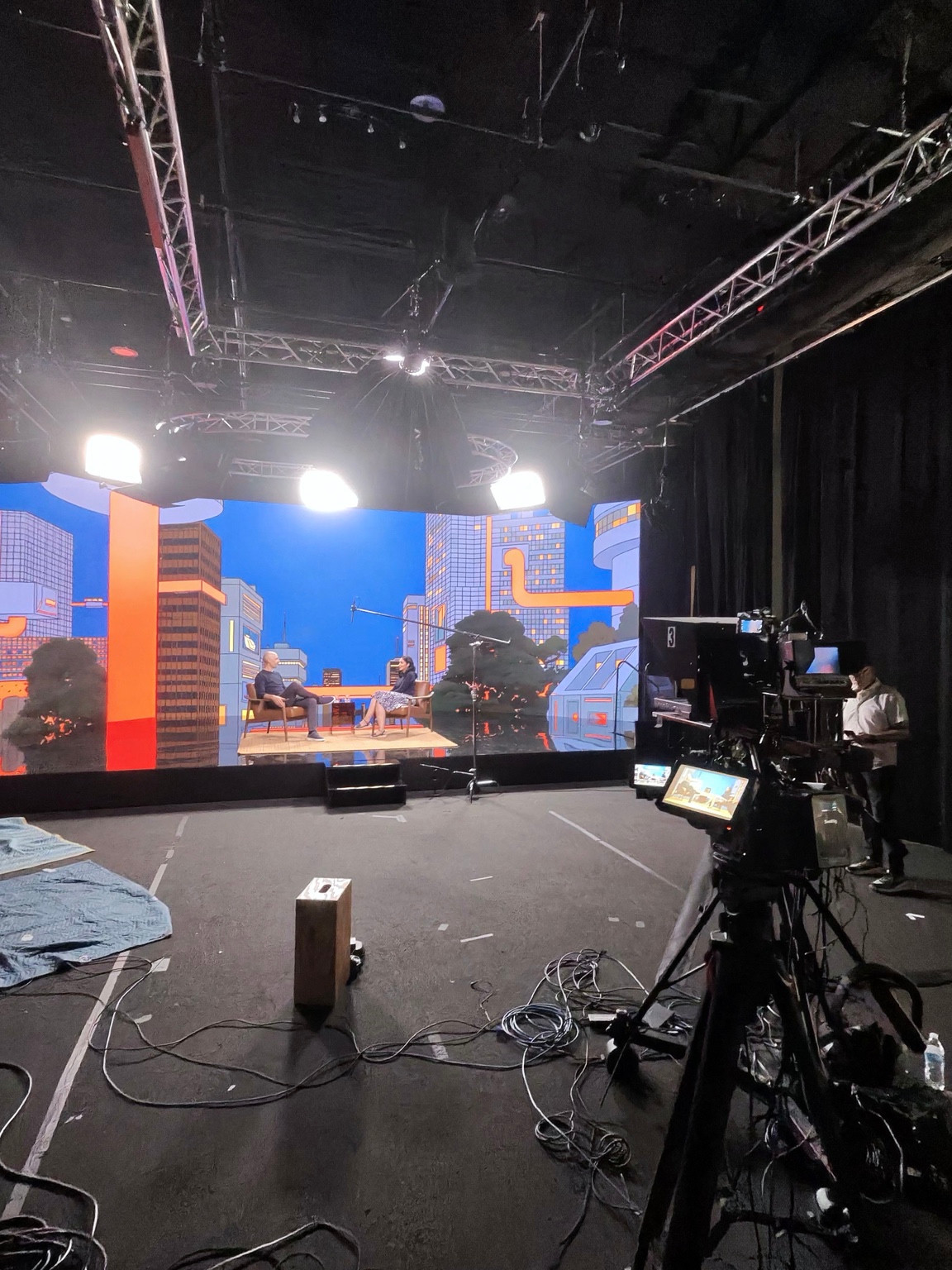
A studio works well when you need a predictable sound and lighting setup or want the same visual look for several speakers. A clean background is often enough for a sincere, direct-to-camera message. Reserve motion or LED imagery for information that genuinely helps the viewer understand the story. TriVision Studios’ Chantilly production facility offers both LED-stage and cyc options. Its video portfolio includes a CEO message and an executive conference presentation, two formats to compare when choosing how formal the delivery should feel.
Build in approvals before the holidays
Put one owner in charge of collecting comments. Have communications sign off on the script and relevant teams clear sensitive figures, footage and claims before filming. Then review a rough cut for content and a final cut for playback and accessibility. Book those review windows before approvers go out of office. If an executive’s availability is tight, record an extra clean opening and closing so the edit can survive a late change without a reshoot.
Deliver a master, a checked caption file, and any needed crops or excerpts. Check names, acronyms and meaningful non-speech audio in the captions. W3C’s prerecorded caption guidance explains what captions need to convey. Test the video in its actual destination, such as the intranet or town hall playback system, and make sure employees on phones can read the text.
FAQs
How long should a year-end CEO video be?
Start with 90 seconds to two minutes for a stand-alone thank-you or update. A longer address may fit a town hall, but a separate one-page recap is usually better for detailed figures or team-by-team updates.
Should we film at our office or in a Northern Virginia studio?
Film at your office if the setting supports the story and you can control noise, access and visible information. Use a studio if you need consistent sound and lighting, a controlled background, or the same setup across several speakers.
Can we use one cut for employees and LinkedIn?
Only if every claim, image and next step is appropriate for both audiences. When the internal message includes private details, make a separate, approved public cut with its own opening and captions.
What should we send a production team before requesting a quote?
Send the audience and goal, speaker count, preferred location, release date, planned videos and formats, caption needs, and the person who can approve the script and final edit. Explore TriVision’s leadership video services if you need help turning those details into a plan.