By TriVision Studios
A practical guide to turning one well prepared studio session into useful business content
A productive corporate video shoot starts with a deliverables list, not a camera list. Decide who the videos are for, what each viewer should do next, and where the finished content will appear. Then build the schedule, crew and studio setup around those decisions.
For marketing and communications teams in Washington, DC, Northern Virginia and Maryland, that approach can make an executive’s limited studio time more useful. One session may support a leadership message, training segments and short social clips, provided each deliverable is planned before filming.
Start with a small deliverables plan
For every video, write down its audience, purpose, approximate running time, distribution channel and approver. A recruiting video and an internal training module may share a filming day, but they need different messages. Do not assume a long interview will automatically produce strong short clips.
Make one shoot serve several purposes
Group recordings by presenter, background and lighting setup rather than by publication date. Film related messages together to reduce resets. Record a separate opening and call to action for each intended audience, so the edits do not all sound like fragments cut from the same speech.
| Deliverable | Capture plan | Delivery detail |
|---|---|---|
| Leadership update | Direct-to-camera message and clean alternate takes | Website or internal channel master |
| Training segment | One learning objective per section; record demonstrations | Captions, transcript and agreed learning platform format |
| Short social clips | Standalone answers with a clear opening | Dedicated vertical framing and platform-safe text |
| Supporting visuals | Relevant equipment, demonstrations and details | Approved B-roll for editors and future updates |
This is a planning example, not a promise that every item fits into one day. Script length, presenter experience, set changes and approval time determine the realistic recording target.
Choose the background for the message
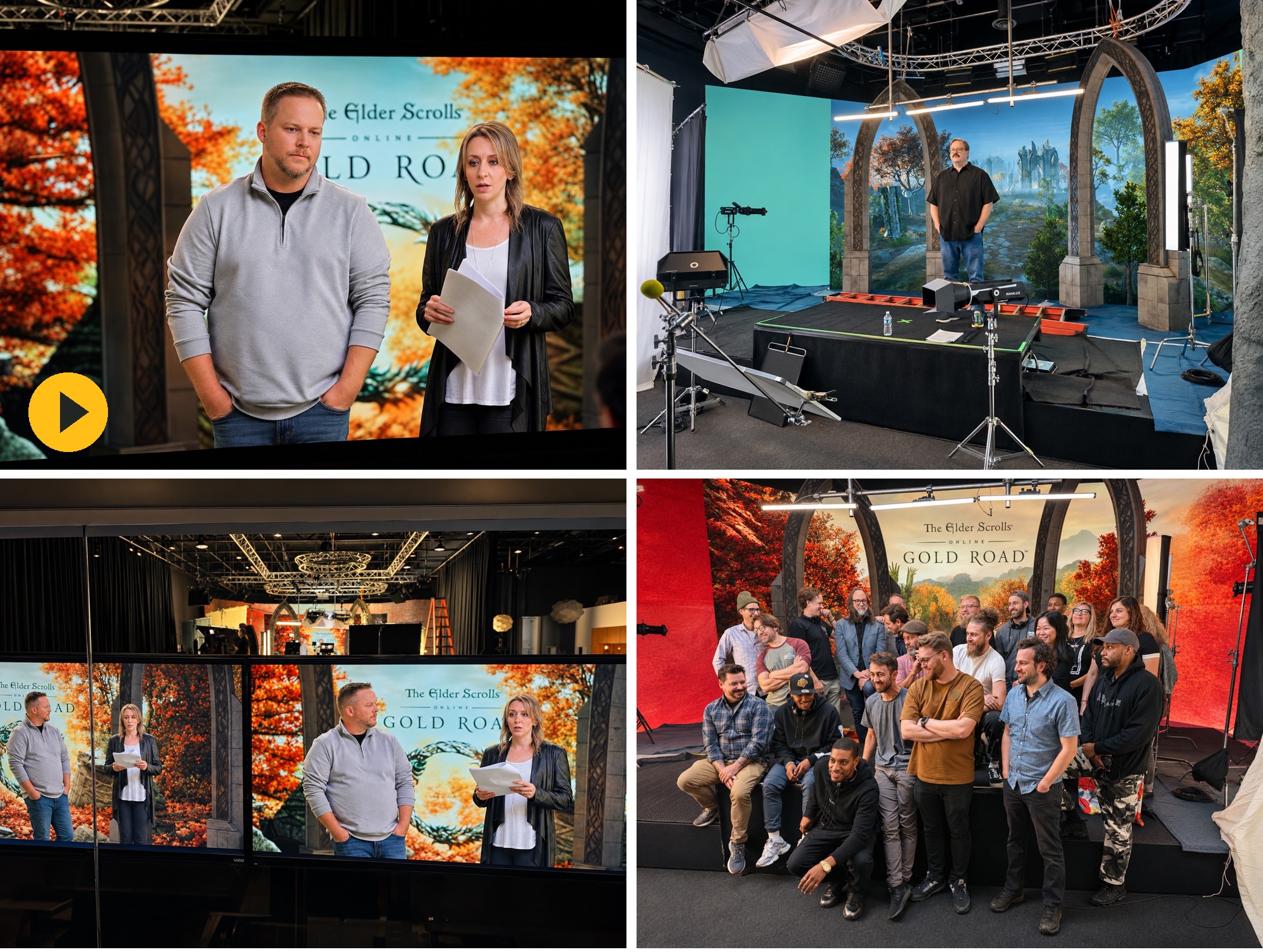
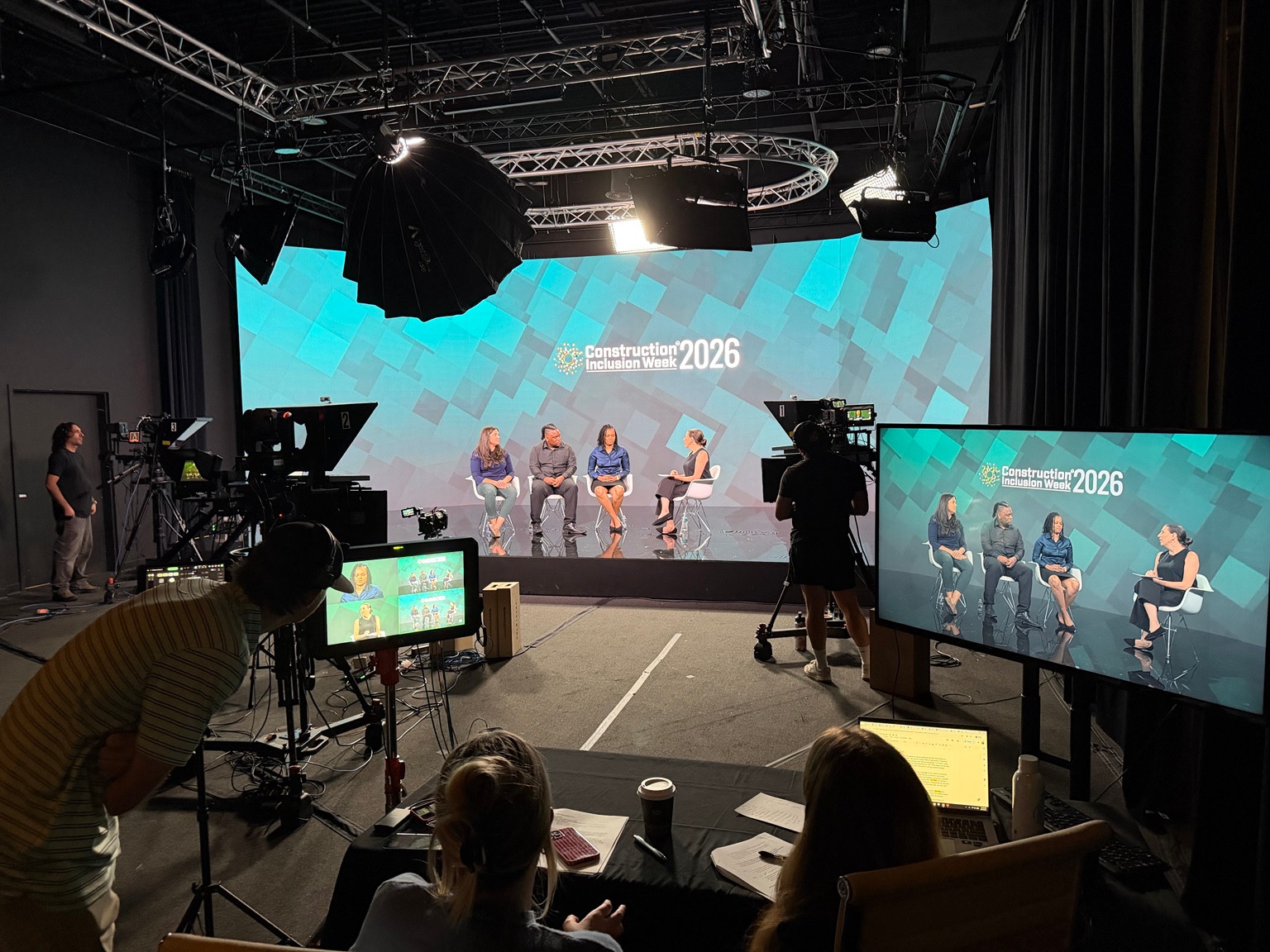
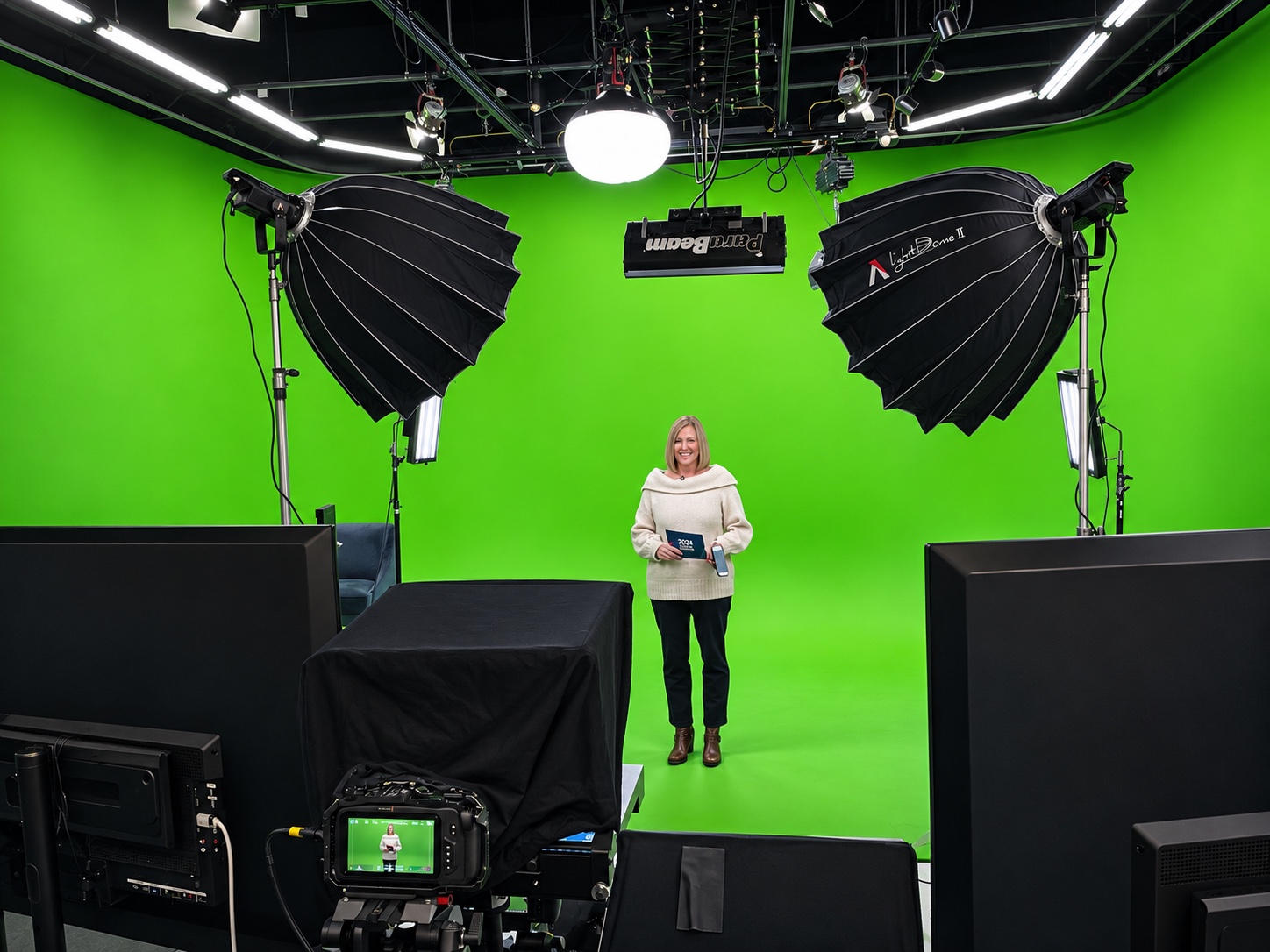
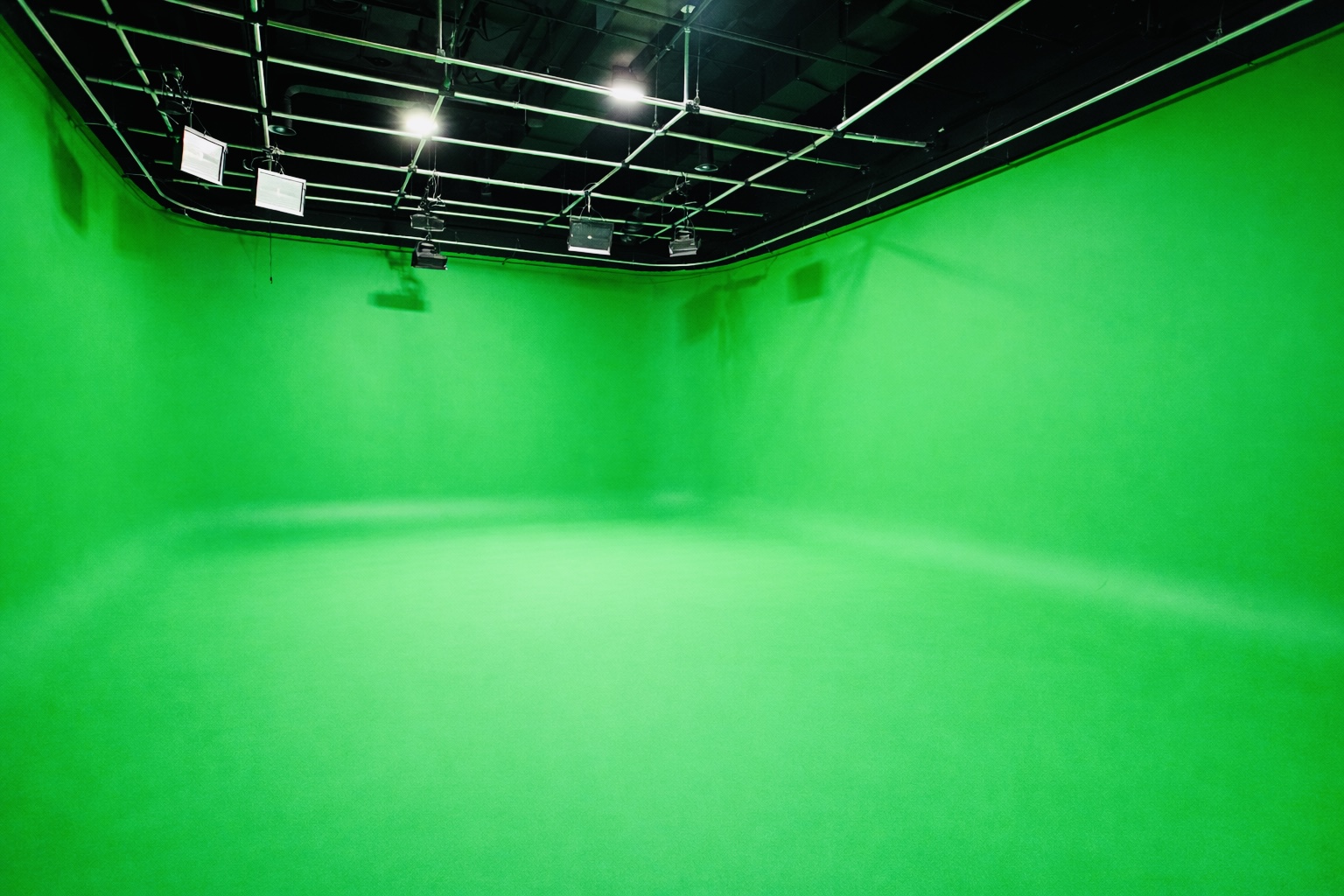
A practical set can help an interview feel natural. A white cyc gives products and graphics a clean setting. Green screen is useful when the background will be replaced or revised in post-production. An LED wall displays the background on set, allowing the team to see the scene during filming. More complex camera-tracked virtual production needs a separately confirmed technical plan.
The best choice depends on the finished shot and the workflow. Ask when background artwork must be approved, how it will be tested with the camera, and what changes remain possible after recording. Do not choose an LED wall only because it looks impressive, or green screen only because the backdrop seems inexpensive.
TriVision Studios’ Chantilly facility offers LED-wall and green/white cyc studio options, along with production capabilities for studio recording. Discuss the specific stage, crew, equipment and post-production scope when requesting a proposal.
Prepare people as carefully as equipment
Send presenters the audience, key message and script early. Read scripts aloud to catch sentences that look fine on paper but sound stiff. If using a teleprompter, rehearse at a conversational pace rather than racing the text. Schedule time for wardrobe, microphone placement, lighting checks and a short test recording.
Build a realistic studio day
For DMV teams coordinating executives from different offices, confirm arrival times and allow for travel. Keep the first presenter available for a technical rehearsal. Have one designated client approver review framing, pronunciation, branding and the first usable take before the team moves on.
A useful sequence is technical setup, first-shot approval, priority recordings, a break, secondary content and pickups, followed by a media check. Schedule the most important speaker while they are fresh. Protect time at the end for missing lines, alternate introductions and clean transitions.
Understand what drives the budget
Video length alone does not determine production cost. A short commercial with custom sets, motion graphics and several locations can require more work than a longer seated interview. For a useful comparison, ask each production company to quote the same deliverables and assumptions.
Clarify pre-production and scripting, studio time and setup, crew roles, cameras and audio, teleprompter needs, backgrounds or set construction, editing, graphics, music licensing, captions, versions and review rounds. Ask what happens if the shoot runs long or the brief changes. Separate essential deliverables from optional additions instead of hiding everything in a single wish list.
Batch recording can reduce repeated setup work, but it does not remove the editing and review needed for each finished video. Request a project-specific proposal rather than applying a generic cost-per-minute estimate.
Plan delivery and accessibility before filming
Confirm whether the editor is delivering horizontal, vertical or both formats. Leave room in the composition for captions and on-screen graphics, and test each version with the intended platform interface. A simple crop can cut off a speaker’s hands, a product or essential text.
Agree on caption files, transcripts and any audio description or other accessibility needs during planning. W3C recommends addressing accessibility in the production workflow rather than leaving it until the end. If visual information is essential, build a clear spoken explanation into the script where appropriate.
Assign one person to consolidate feedback. Define the review stages and which stakeholder approves facts, brand language and the final cut. Confirm delivery filenames, version labels and any raw-footage or archive arrangements in the scope.
Questions to answer before requesting a proposal
- Who is the audience and what should they do after watching?
- How many presenters, videos and final versions are required?
- Are scripts ready, and who approves them?
- Which background or set best serves the content?
- What are the target shoot date and publication deadline?
- Do you need a teleprompter, remote review, livestreaming or multiple cameras?
- What are the caption, transcript, language and review requirements?
Frequently asked questions
Can we record several corporate videos in one day?
Often, yes, when scripts, presenters and setups are coordinated. The production team should estimate a realistic schedule before committing to a video count.
Is a studio better than filming in our office?
A studio offers a controlled environment and planned production setup. An office can provide authentic workplace context. Choose based on the story, sound, available space and disruption to staff.
Should we use green screen or an LED wall?
Choose according to the background, camera approach and post-production needs. Ask for a test and a clear explanation of what is captured on set versus finished later.
What should we send to a Northern Virginia video production company?
Share the objectives, audience, draft scripts, presenter count, examples of the desired look, deliverables, timing and budget range. This makes the proposal more useful and comparable.
Planning a corporate video shoot in the Washington, DC region? Contact TriVision Studios with your brief and delivery goals to discuss a studio production plan.
Sources: TriVision Studios facility overview; W3C Planning Audio and Video Media.