
Your employees are forgetting nearly 70% of what they learned in training within 24 hours. That startling figure, drawn from Ebbinghaus’s well-documented forgetting curve, is the reason organizations across Washington DC are rethinking how they deliver training video production content. The format you choose — not just the information you include — determines whether your training sticks or simply gets skipped. This guide breaks down the four most effective training video formats available in 2026, comparing the strengths and limitations of each so you can invest in the style that actually moves the needle for your team.
Why Training Video Format Matters More Than Ever
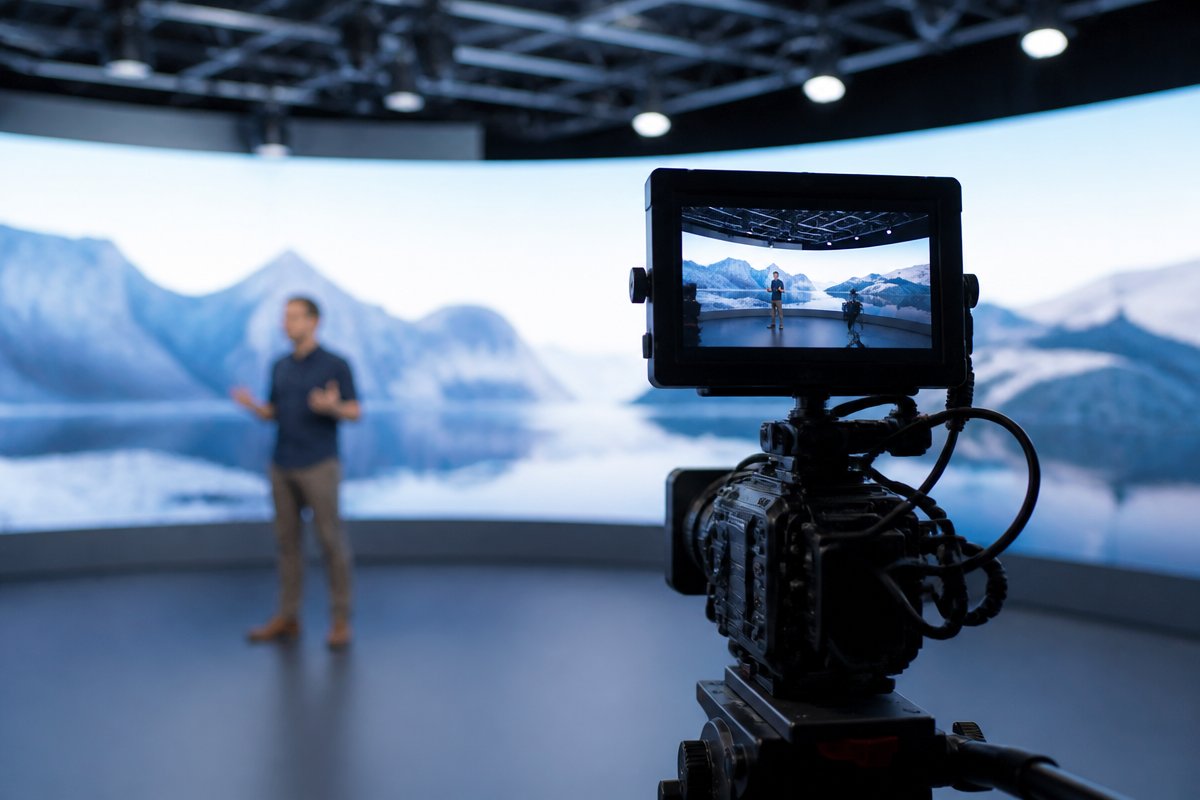
It is tempting to assume all training videos are created equal. Record a presenter, add a few slides, distribute the link, and check the compliance box. But research from the Brandon Hall Group shows that organizations using video-based training see a 35% improvement in knowledge retention compared to text-only materials. The catch? That improvement only materializes when the format matches the content and the audience.
In 2026, training departments face a landscape shaped by remote workforces, shrinking attention spans, and rising expectations for production quality. A safety compliance module for warehouse workers demands a different approach than a software onboarding tutorial for new hires at a government agency. Choosing the wrong format wastes budget, frustrates learners, and undermines the credibility of your entire training program.
Below, we examine the four dominant training video production formats — live action, animation and motion graphics, screen capture, and interactive video — with an honest look at when each one shines and when it falls short.
Format 1: Live-Action Training Videos
What They Are
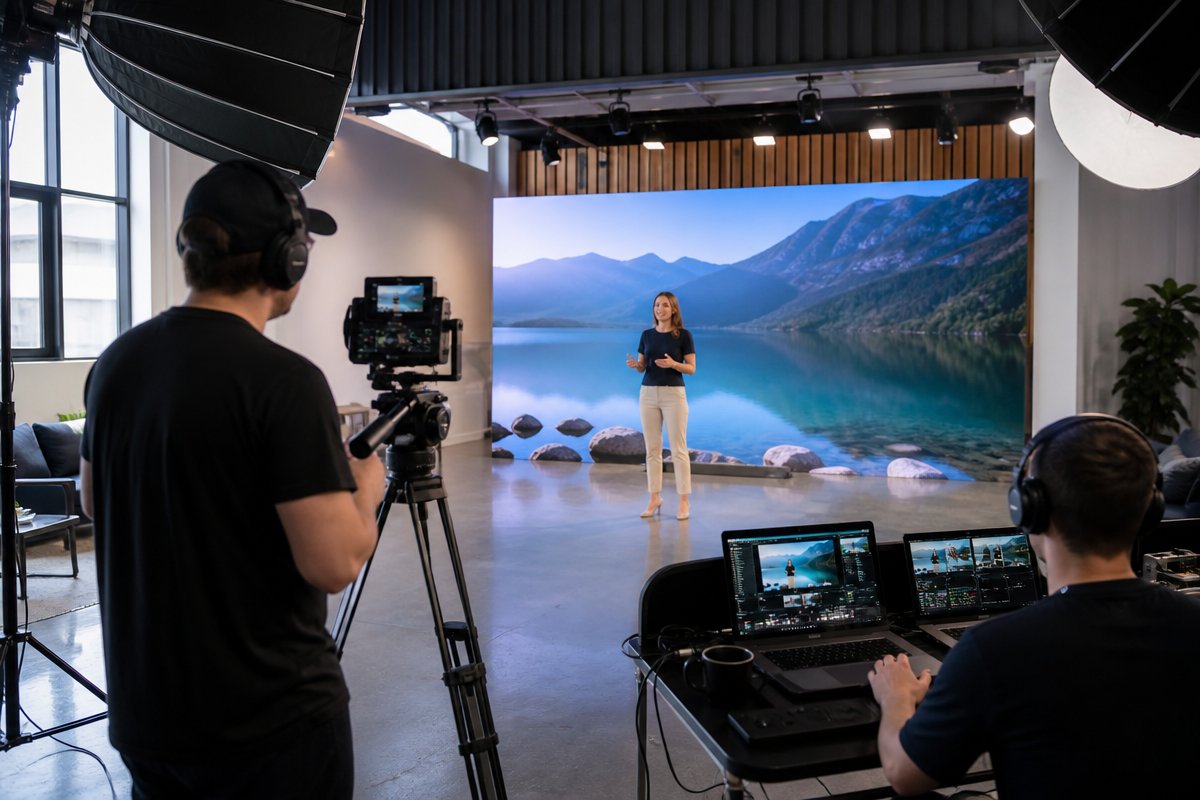
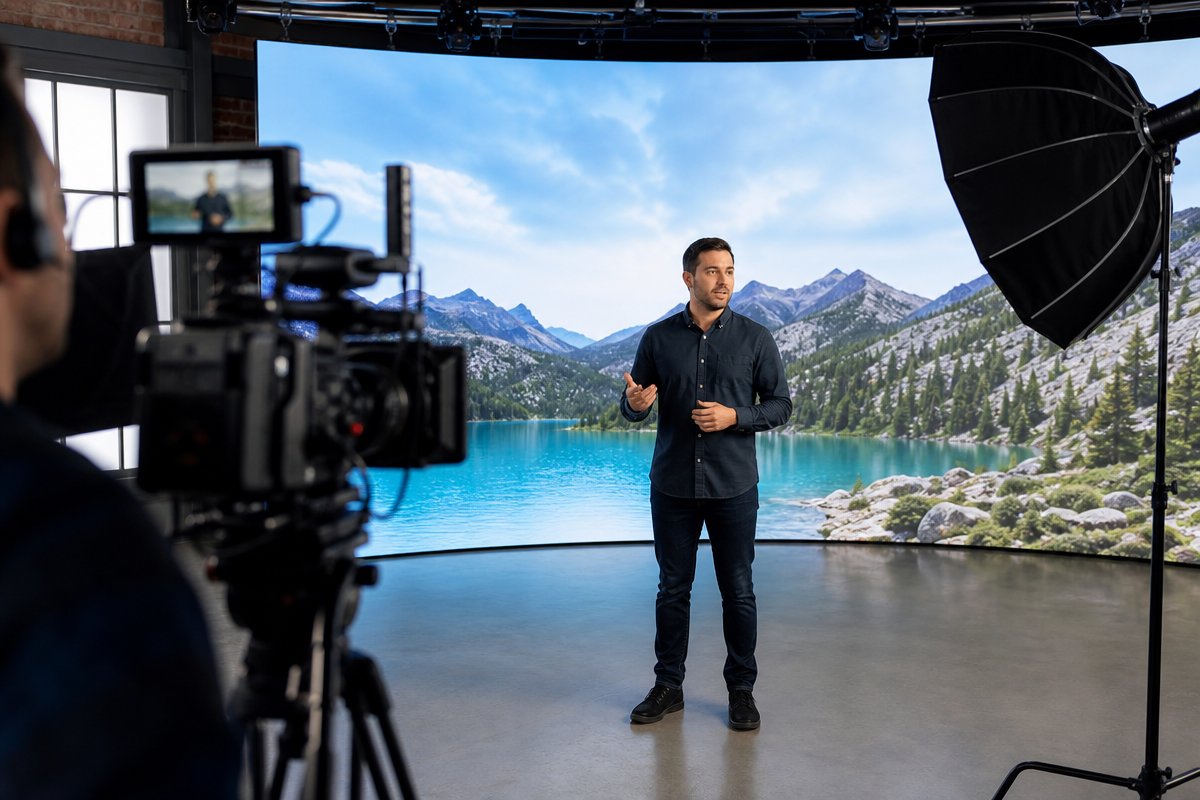
Live-action training videos feature real people — employees, actors, subject-matter experts, or company leaders — filmed on location or in a professional studio. They are the most traditional and widely recognized format for corporate and institutional training.
When Live Action Works Best
- Soft-skills training: Scenarios involving interpersonal communication, leadership, de-escalation, or customer service benefit enormously from seeing real human expressions and body language.
- Safety and compliance: Demonstrating proper procedures in a real or realistic environment — a hospital floor, a construction site, a laboratory — gives learners spatial context that animation cannot replicate.
- Culture and values onboarding: When you want new hires to feel the energy of your organization, nothing substitutes for real faces, real offices, and authentic voices.
- Executive messaging: A CEO or department head delivering a training introduction on camera adds authority and personal accountability.
Pros
- Highest emotional engagement and relatability
- Builds trust and credibility quickly
- Ideal for demonstrating physical tasks or environments
- Professional studio production, like TriVision Studios’ training and educational video services, ensures polished results that reflect well on your brand
Cons
- Higher upfront production cost compared to screen capture or basic animation
- Content updates require reshoots, which can be expensive if policies or personnel change frequently
- Scheduling actors, locations, and crew adds complexity to the production timeline
- Less effective for abstract or data-heavy topics
Best For
Government agencies in Washington DC producing compliance training, healthcare organizations demonstrating patient-interaction protocols, and nonprofits onboarding field staff in Northern Virginia and Maryland.
Format 2: Animation and Motion Graphics
What They Are
Animated training videos use illustrated characters, icons, typography, and motion graphics to convey information visually. They range from simple whiteboard-style explainers to fully produced 2D and 3D animations.
When Animation Works Best
- Abstract concepts: Topics like data privacy, cybersecurity protocols, financial compliance, or organizational workflows are easier to understand when visualized through animation.
- Processes and systems: Flowcharts, decision trees, and multi-step processes become intuitive when animated sequentially.
- Sensitive subjects: Training on topics like harassment prevention, mental health, or workplace discrimination can be handled with greater sensitivity using illustrated characters rather than live actors, reducing the risk of unintentional bias or discomfort.
- Global or multilingual audiences: Animated characters are culturally neutral, and voiceover tracks can be swapped without reshooting any footage.
Pros
- Complete creative control over visuals — you are never limited by physical locations or actor availability
- Easier and less expensive to update than live-action footage
- Consistent visual branding throughout the entire training library
- Scales well across departments and languages
Cons
- Can feel impersonal if overused, especially for culture-driven content
- High-quality animation still requires significant time and skilled designers
- Less effective for training that requires learners to recognize real-world environments or equipment
- Budget animation can look cheap and undermine the training’s credibility
Best For
Technology companies in the DC metro area explaining software processes, financial institutions in Baltimore training employees on regulatory changes, and schools and institutions in Richmond delivering curriculum-aligned professional development.
Format 3: Screen-Capture and Software Demonstration Videos
What They Are
Screen-capture videos record on-screen activity — mouse movements, clicks, data entry, navigation through menus — typically with a voiceover narration guiding the learner through each step. They are the backbone of software training, IT onboarding, and systems-migration programs.
When Screen Capture Works Best
- Software onboarding: Teaching employees how to use a new CRM, ERP, project management tool, or internal database.
- IT and helpdesk tutorials: Step-by-step guides for troubleshooting common technical issues.
- Process documentation: Recording exact workflows so that institutional knowledge is preserved when team members leave.
- Quick-reference modules: Short, task-specific videos that employees can search and replay as needed.
Pros
- Lowest production cost of all four formats — minimal equipment and crew required
- Fast turnaround from concept to delivery
- Easy to update when software interfaces change
- Directly mirrors the learner’s actual working environment
Cons
- Visually monotonous if the recording is simply a cursor moving across a static interface
- Limited engagement — retention drops significantly without strong narration, annotations, or visual cues
- Not suitable for non-technical or interpersonal training topics
- Audio quality varies wildly without professional recording equipment and post-production
Elevating Screen Capture
The most effective screen-capture training videos incorporate professional voiceover, branded lower thirds, animated callouts, and chapter markers. A production partner experienced in training content can transform a basic screen recording into a polished learning asset. Pairing screen capture with brief live-action introductions — a real person setting context before the demonstration begins — dramatically improves engagement and completion rates.
Best For
Government contractors in Northern Virginia migrating to new systems, small businesses in DC adopting new platforms, and healthcare organizations in Maryland training staff on electronic health record software.
Format 4: Interactive and Branching-Scenario Videos
What They Are
Interactive training videos allow learners to make choices that affect the direction of the content. Branching scenarios present decision points — click option A and the video follows one path; click option B and the consequences change. These videos often incorporate quizzes, hotspots, drag-and-drop activities, and embedded assessments.
When Interactive Video Works Best
- Decision-making training: Scenarios where employees must choose the correct response — handling a customer complaint, responding to a security incident, navigating an ethical dilemma.
- High-stakes compliance: When the cost of getting it wrong is significant — HIPAA violations, workplace safety incidents, classified information handling — interactive video forces active engagement rather than passive viewing.
- Sales and negotiation: Simulating client conversations where the learner practices responding to objections in real time.
- Leadership development: Presenting management scenarios with multiple valid approaches and exploring the consequences of each choice.
Pros
- Highest engagement and knowledge retention of any video format
- Forces active participation, eliminating the problem of background playback
- Provides measurable data — you can track which choices learners make, identify knowledge gaps, and tailor follow-up training
- Learners report higher satisfaction and perceived value
Cons
- Most complex and expensive format to produce — requires scripting multiple storylines, filming additional scenes, and integrating with an LMS or interactive platform
- Longer production timelines due to branching logic and quality assurance testing
- Requires a production team experienced in both video and instructional design
- Content updates can be more involved when multiple branches need revision
Best For
Government agencies in Washington DC with mandatory compliance modules, healthcare systems in Baltimore training clinicians on patient-safety protocols, and advocacy organizations in DC preparing staff for field scenarios.
Choosing the Right Format: A Decision Framework
Rather than defaulting to whatever format you used last year, consider these four questions before launching your next training video production project:
- What is the core learning objective? If learners need to perform a physical task, live action wins. If they need to understand an abstract process, animation is stronger. If they need to practice decision-making, interactive is the clear choice.
- How often will the content change? Rapidly evolving content — software interfaces, frequently updated regulations — favors screen capture and animation, which are easier to revise. Stable content like company values or foundational safety practices can justify the investment in live-action production.
- What is your audience’s learning environment? Field workers watching on mobile devices need short, visually clear modules. Office employees at desks can engage with longer interactive scenarios. Remote teams spread across time zones benefit from on-demand formats with built-in assessments.
- What is your budget and timeline? Screen capture is the fastest and most affordable. Interactive branching-scenario video is the most resource-intensive. Most organizations benefit from a blended approach — combining two or three formats within a single training program to match each module to its content.
The most successful training programs we see at TriVision Studios are not locked into a single format. They use live action for the emotional and cultural content, animation for the conceptual material, screen capture for the technical walkthroughs, and interactive elements for the high-stakes assessment modules.
Frequently Asked Questions About Training Video Production
What is the most cost-effective training video format?
Screen-capture video is typically the least expensive to produce because it requires minimal equipment and no on-location filming. However, cost-effectiveness should be measured by learning outcomes, not just production expense. A slightly higher investment in animation or live action often yields better retention and fewer retraining cycles, lowering the overall cost per trained employee.
Can I combine multiple formats in one training program?
Absolutely, and it is the approach we recommend most often. A blended training video program might open with a live-action welcome from leadership, transition to animated explainers for policy content, use screen capture for software demonstrations, and close with an interactive scenario assessment. This variety sustains engagement across longer programs and matches each format to its strongest use case.
How long should a training video be?
Research consistently points to shorter modules — ideally between three and seven minutes per video segment. Microlearning principles suggest that breaking content into focused, single-topic modules improves retention and completion rates. For interactive videos with branching paths, total experience time can be longer because the learner is actively engaged, but individual scenes should still remain concise.
Do I need a professional production company for training videos?
For simple internal screen-capture tutorials, an in-house team with decent equipment can produce acceptable results. For anything client-facing, compliance-critical, or distributed at scale — particularly live-action and interactive formats — professional production ensures consistent quality, proper lighting and audio, and adherence to accessibility standards like captioning and audio description.
How do I measure the effectiveness of training videos?
Track completion rates, quiz scores (especially in interactive modules), time-to-competency metrics, and post-training performance indicators. Many LMS platforms provide detailed analytics on viewer behavior — where learners pause, rewind, or drop off — which can inform future content improvements. Compare these metrics against your pre-video training baseline to quantify the return on your production investment.
What accessibility standards should training videos meet?
At a minimum, all training videos should include accurate closed captions and transcripts. Government agencies and organizations receiving federal funding must comply with Section 508 accessibility standards. Best practices also include audio descriptions for visual-only information, sufficient color contrast in graphics, and keyboard-navigable interactive elements.
Invest in the Format That Fits Your Training Goals
The difference between training that transforms performance and training that gets clicked through and forgotten often comes down to format. Live action, animation, screen capture, and interactive video each solve different problems — and the smartest organizations in DC, Baltimore, Richmond, and Northern Virginia are combining them strategically.
At TriVision Studios, we have spent years producing training video content for government agencies, healthcare organizations, nonprofits, and corporations across the Washington DC metro area. We help you identify the right format for every module, script content that respects your learners’ time, and deliver production quality that reflects the professionalism of your organization. If you are ready to build a training video program that actually works, contact TriVision Studios to start the conversation.