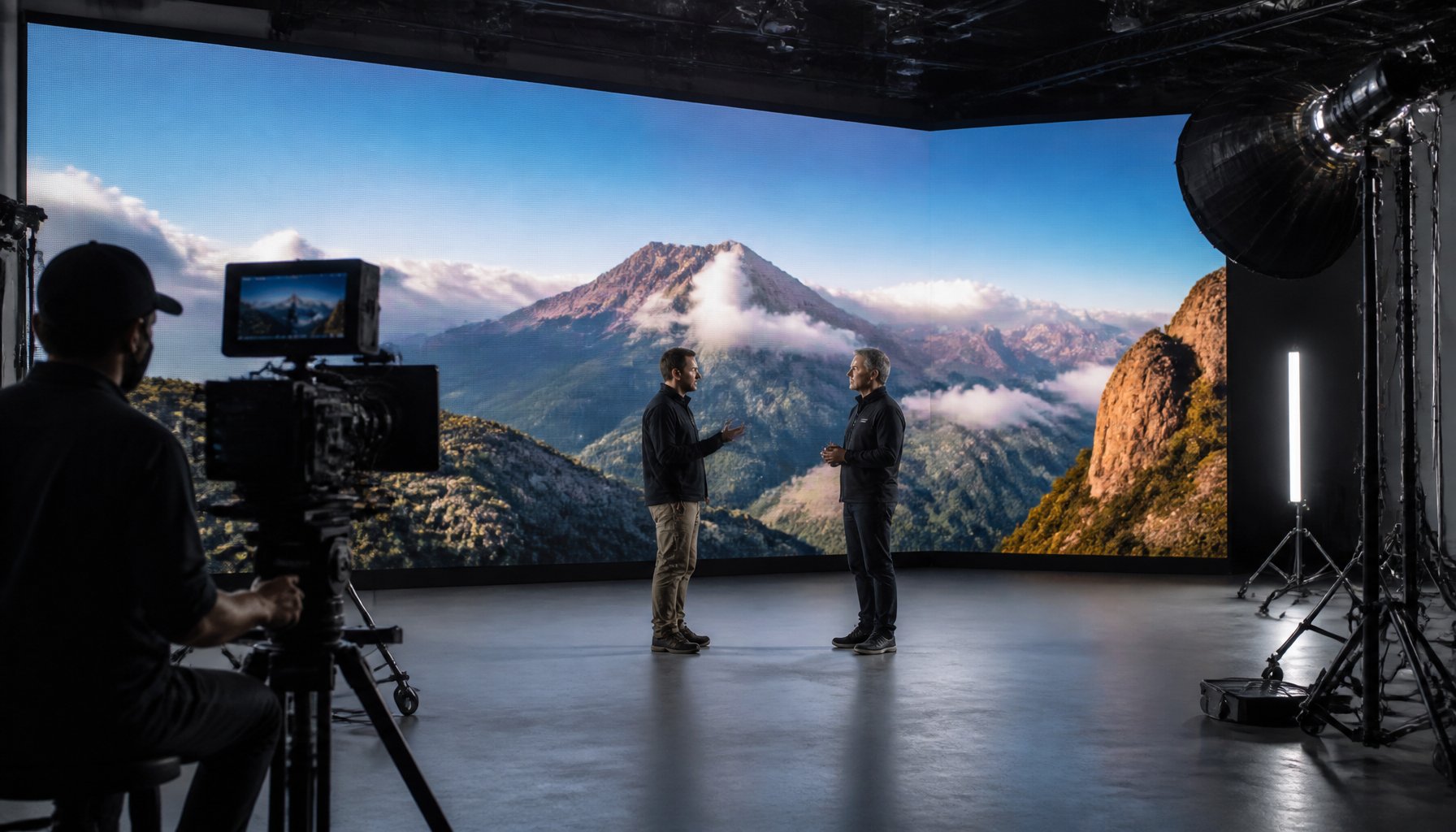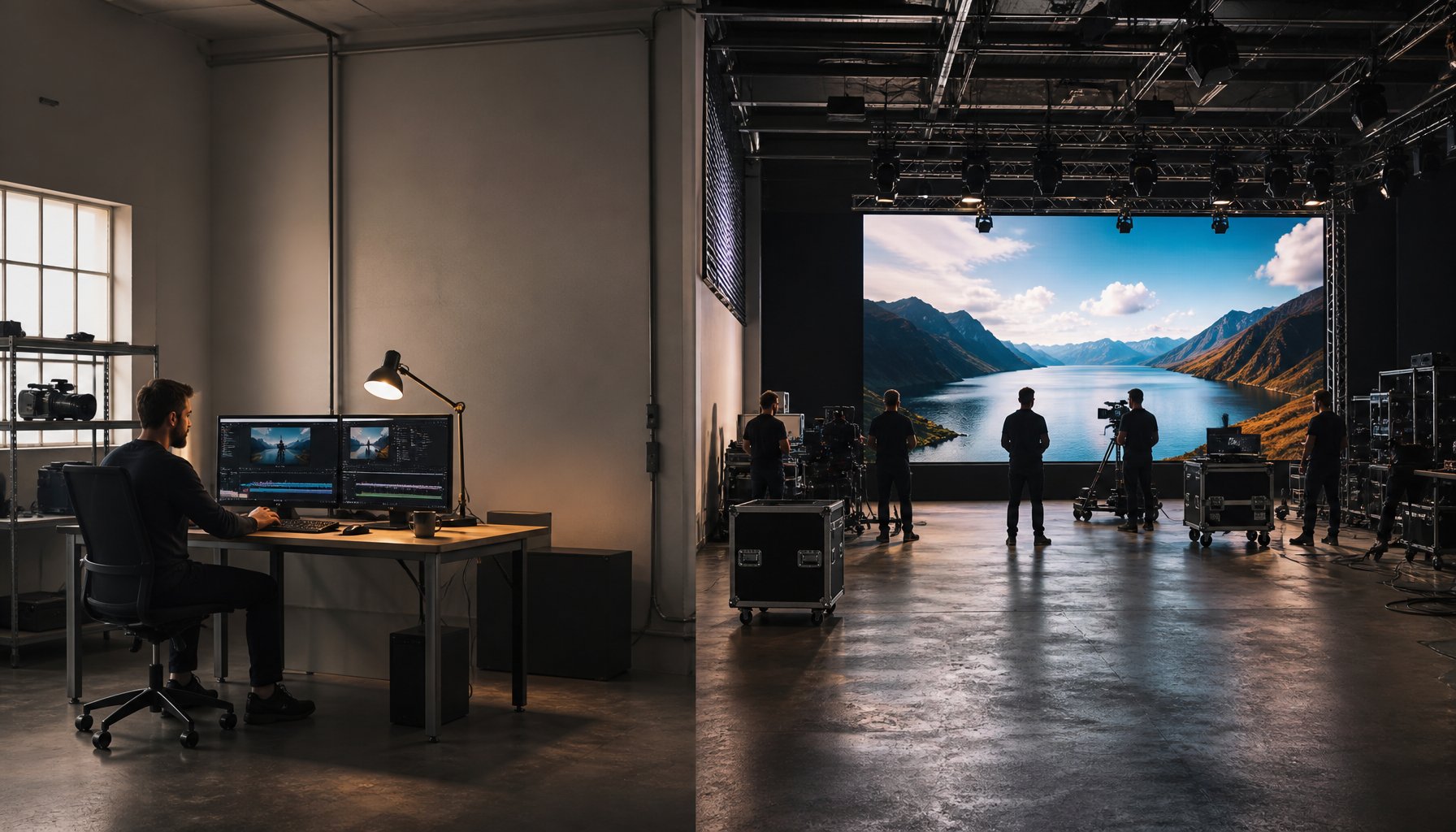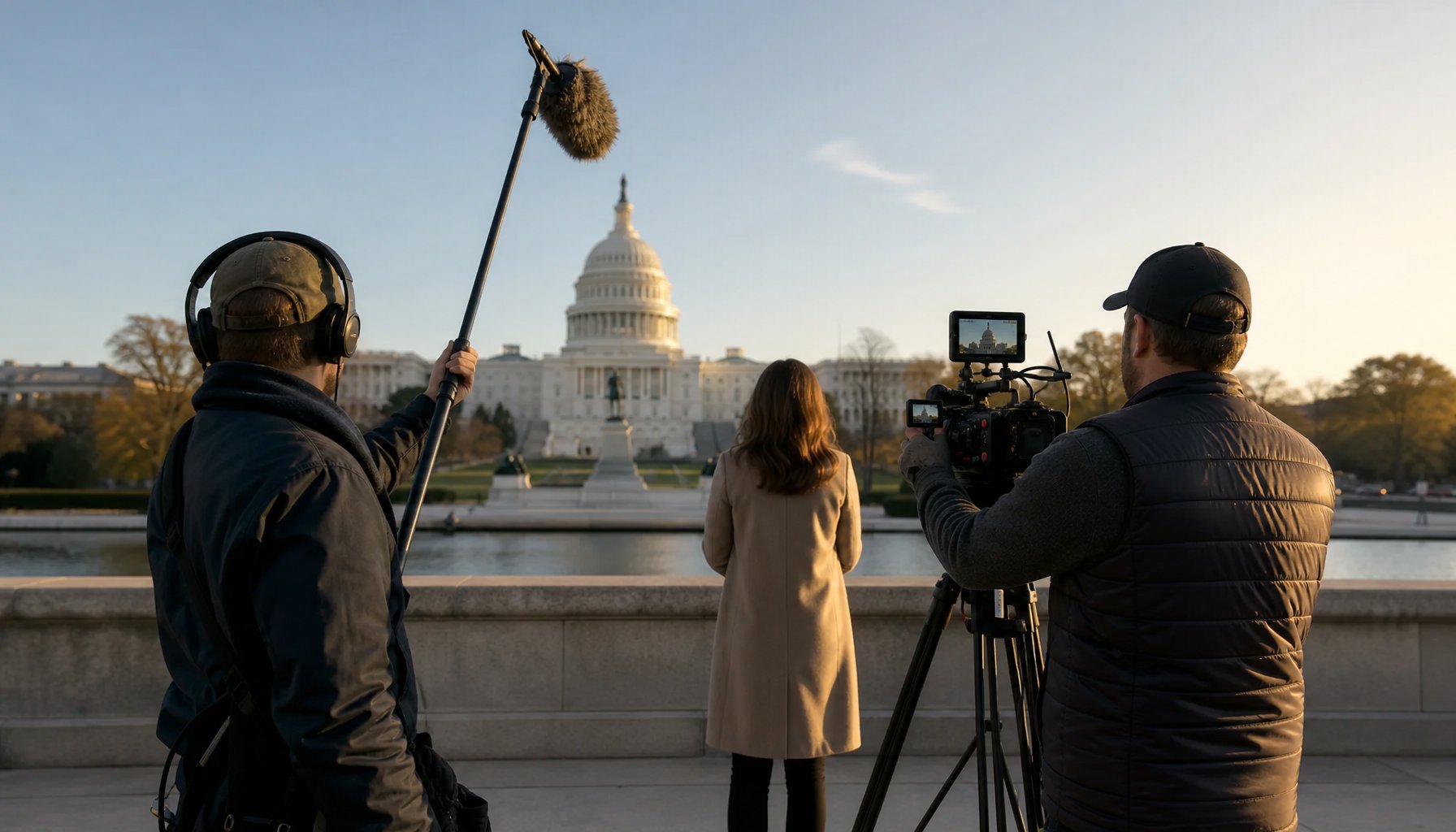
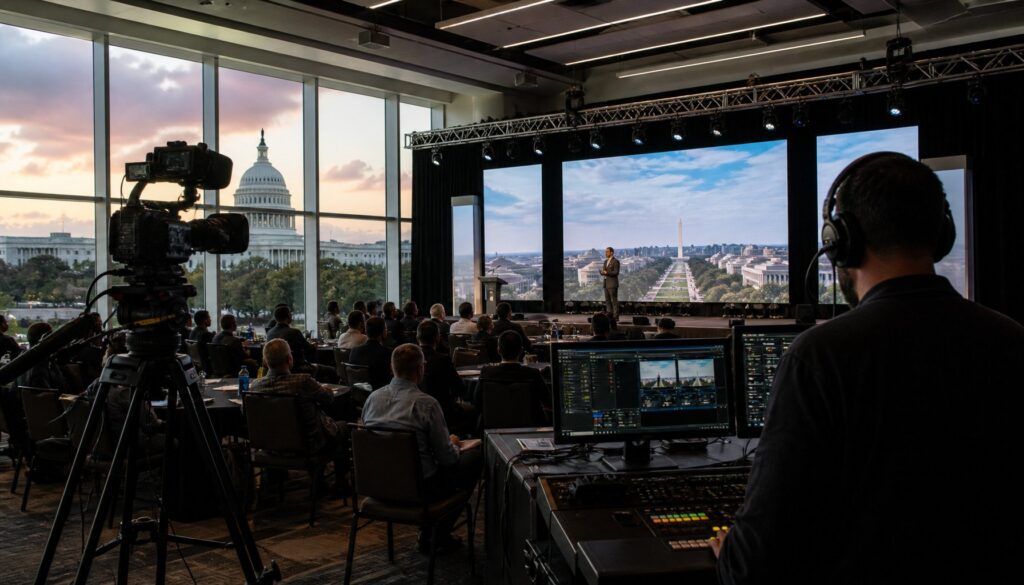
You have spent months planning your conference—lining up speakers, securing a venue, coordinating sponsors—and now leadership wants a flawless live stream for hundreds or even thousands of remote attendees. The pressure is real. According to Grand View Research, the global video streaming market is projected to reach $416.84 billion by 2030, and conferences are one of the fastest-growing segments driving that growth. If you are an event organizer searching for reliable conference live streaming services in DC, this guide walks you through every logistics and planning decision you need to make—from bandwidth requirements and platform selection to multi-session streaming and real-time audience engagement.
Washington DC is one of the busiest conference cities in the country, home to hundreds of association meetings, government summits, and corporate events every year. Getting the live stream right is no longer optional—it is an expectation. Let us break down exactly how to plan for it.
Why DC Conferences Need Professional Live Streaming
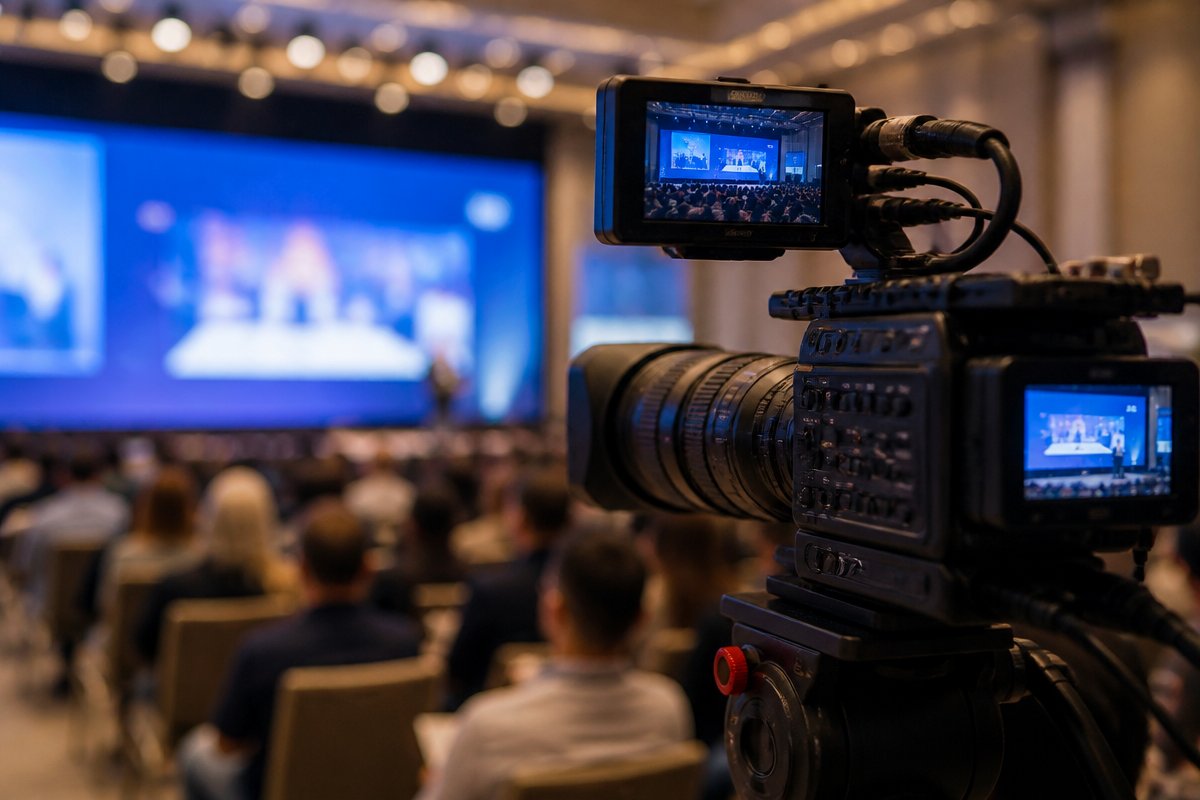
DC is not just any conference city. It hosts events for federal agencies with strict security protocols, international nonprofits broadcasting to global audiences, and trade associations whose members expect broadcast-quality production. The stakes are higher here, and the margin for error is razor thin.
The Cost of Getting It Wrong
A dropped stream during a keynote, audio that cuts out mid-panel, or a platform crash during Q&A does not just frustrate remote viewers—it damages your organization’s credibility. For government and advocacy events, it can mean missing mandated public access requirements. For associations, it can erode member trust and reduce future virtual attendance.
What Professional Streaming Delivers
- Redundant internet connections so a single network failure does not kill your broadcast
- Broadcast-grade encoding that adapts to viewer bandwidth without buffering
- Multi-camera production that keeps remote viewers visually engaged
- On-site technical directors who troubleshoot problems before your audience notices them
- Platform integration with your registration system, sponsor branding, and analytics dashboard
The difference between a DIY stream and a professionally produced one is the difference between a Zoom call and a CNN broadcast. Your content deserves the latter.
Bandwidth and Internet: The Foundation of Every Live Stream
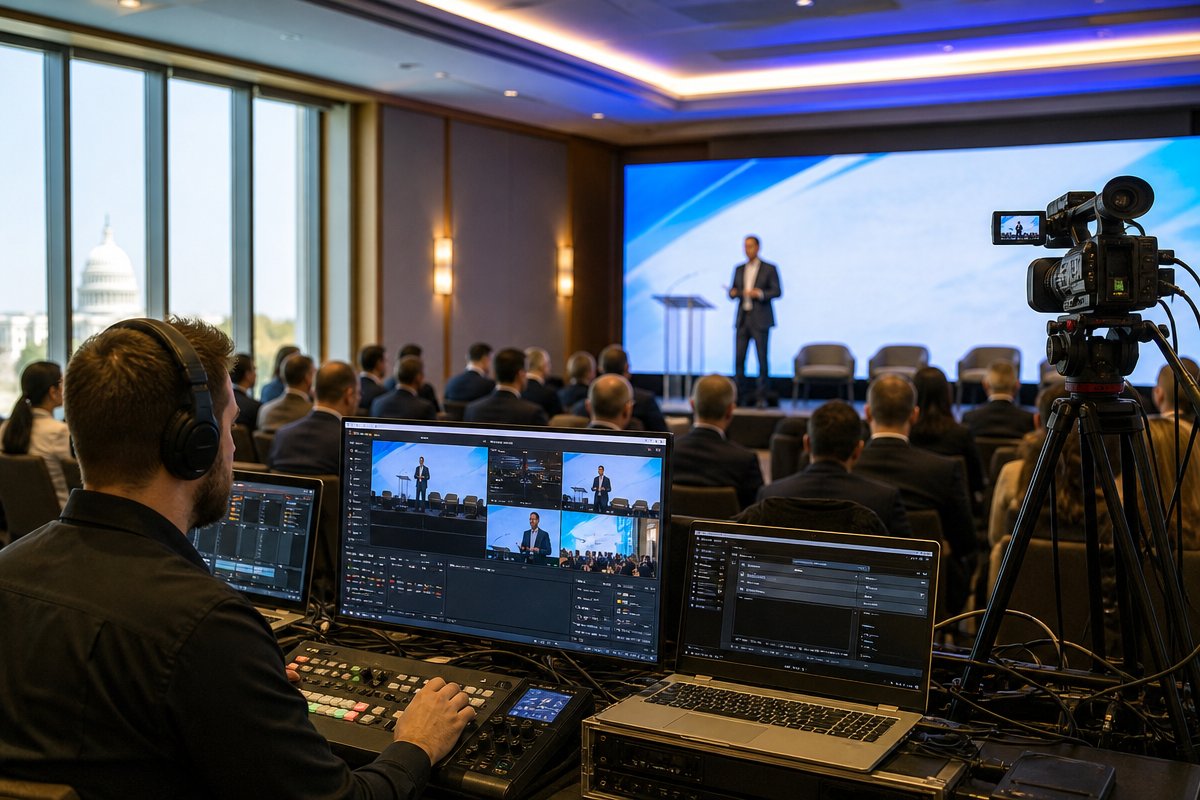
Before you choose a platform or plan your camera angles, you need to solve the single most common point of failure in conference live streaming: internet connectivity. This is where most organizers underestimate the requirements.
How Much Bandwidth Do You Actually Need?
A single 1080p live stream requires a minimum dedicated upload speed of 10 Mbps for stable delivery. But that number scales quickly when you factor in real-world conference conditions:
- Multiple simultaneous streams (breakout sessions): Multiply by the number of concurrent rooms being streamed
- Attendee Wi-Fi usage: Hundreds of people on laptops and phones competing for the same network
- Speaker presentation uploads: Slides, videos, and screen shares consume additional bandwidth
- Backup streams: A redundant stream to a secondary server requires its own dedicated upload pipe
A conference with three simultaneous breakout streams, 500 in-person attendees on Wi-Fi, and a main stage keynote should plan for a minimum of 100 Mbps dedicated upload bandwidth—separate from the general attendee network.
Dedicated Lines vs. Venue Wi-Fi
Never rely on a venue’s standard Wi-Fi for your production stream. Always request or install a dedicated hardwired internet line for your streaming equipment. Many DC conference venues—the Walter E. Washington Convention Center, hotels along the K Street corridor, venues in Tysons Corner—offer dedicated fiber options, but they often require weeks of advance coordination and additional fees.
Your streaming production partner should conduct a site survey at least two to four weeks before the event to test actual upload speeds, identify potential interference, and arrange bonded cellular backup if hardwired options are insufficient.
Choosing the Right Streaming Platform for Your Conference
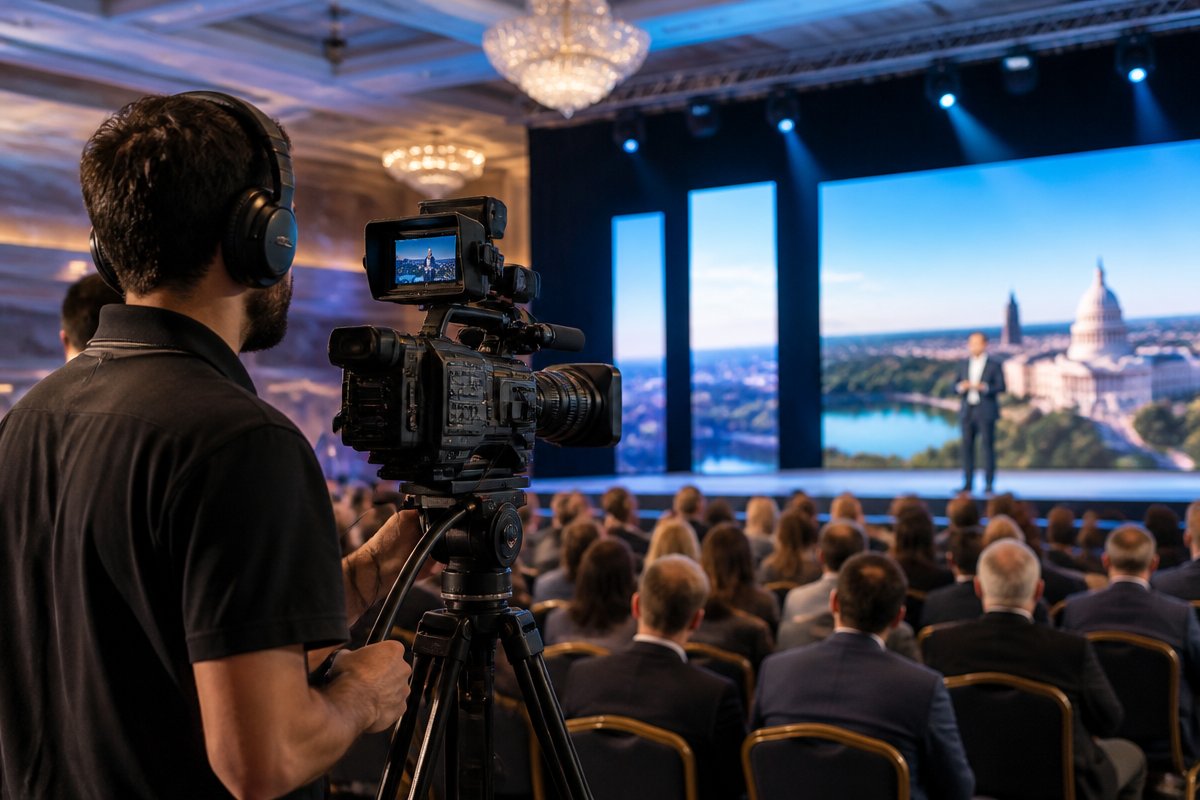
Platform selection is one of the most consequential decisions you will make, and the right choice depends on your audience, your budget, your security requirements, and how interactive you want the experience to be.
Key Platform Categories
- Social media platforms (YouTube Live, LinkedIn Live, Facebook Live): Best for open-access events where reach matters more than control. Free, but limited branding and analytics. No gating or registration required.
- Webinar platforms (Zoom Webinar, Webex Events): Familiar interface, good for single-session events or panel discussions. Limited in multi-session and branding customization.
- Virtual event platforms (Hopin, Swoogo, Hubilo, Bizzabo): Built for multi-session conferences with lobbies, breakout rooms, sponsor booths, and networking. Higher cost but far more robust for large events.
- Custom RTMP destinations and embedded players (Vimeo OTT, Wowza, AWS IVS): Maximum control over branding, access, and viewer experience. Requires more technical setup but delivers a fully branded, white-label experience on your own website.
Decision Framework for DC Conference Organizers
Ask yourself these five questions before committing to a platform:
- Do remote attendees need to pay for access or register? If yes, you need gated entry—eliminate free social platforms.
- Are you streaming more than two sessions simultaneously? If yes, you need a multi-room virtual event platform or a custom multi-stream setup.
- Does your organization have federal compliance or data security requirements (FedRAMP, ITAR)? If yes, work with your IT team to vet platform security certifications.
- Do sponsors expect branded virtual presence? If yes, prioritize platforms with sponsor booth and banner features.
- Will you repurpose recordings for on-demand access? If yes, ensure the platform supports automatic recording, captioning, and easy export.
Your production partner should be platform-agnostic—capable of delivering clean feeds to any destination you choose rather than locking you into a single ecosystem.
Multi-Session Streaming: Managing Complexity at Scale
Single-stage conferences are relatively straightforward to stream. The real logistical challenge begins when you have concurrent breakout sessions, workshop tracks, and multiple stages broadcasting simultaneously.
Technical Setup for Multi-Room Streaming
Each room being streamed requires its own self-contained production setup:
- Camera package: At minimum one PTZ (pan-tilt-zoom) camera per room; two cameras for rooms with panels or audience interaction
- Audio capture: Dedicated audio feed from the room’s sound system, plus backup wireless microphones
- Encoding hardware: A dedicated streaming encoder per room (hardware encoders like Teradek or Blackmagic are more reliable than software solutions for multi-room events)
- On-site operator: At least one technician per two to three rooms for monitoring and troubleshooting
- Network infrastructure: Each encoder on a hardwired connection back to a central network switch with dedicated upload capacity
Centralized Production Control
For large conferences with four or more simultaneous streams, a centralized production hub is essential. This is typically a backstage control room where a technical director monitors all feeds, manages switching, overlays lower-third graphics and sponsor branding, and coordinates with room operators via intercom. This centralized model ensures consistency across all streams and allows real-time quality control.
Session Transitions and Scheduling
Build buffer time—at least ten minutes—between sessions for technical resets. Pre-program holding slides or sponsor loops to fill gaps so remote viewers never see a blank screen. Sync your streaming schedule with your conference app or website so virtual attendees know exactly when and where to tune in.
Audience Engagement Tools That Actually Work
The biggest complaint from remote conference attendees is feeling like passive observers. If your live stream is just a static camera pointed at a podium, you will see drop-off rates climb within minutes. Engagement is what separates a live stream from a recording.
Proven Engagement Strategies
- Live Q&A with moderation: Allow remote attendees to submit questions in real time. A dedicated moderator filters and surfaces the best questions to the speaker. This is the single most effective engagement tool for conferences.
- Live polling and surveys: Tools like Slido, Mentimeter, or built-in platform polling let remote viewers participate alongside in-person attendees. Display results on screen for both audiences.
- Chat and networking features: Moderated chat channels give remote attendees a sense of community. Some platforms offer one-on-one networking matchmaking that mimics hallway conversations.
- Real-time captioning and translation: For DC’s international conference audience, AI-powered captioning and multi-language translation dramatically expand accessibility and reach.
- On-demand content libraries: Let attendees who miss a session catch up immediately. Making recordings available within hours—not weeks—keeps engagement high throughout a multi-day event.
Hybrid Engagement: Bridging In-Person and Remote
The most successful DC conferences treat remote attendees as first-class participants, not an afterthought. This means displaying remote questions on in-room screens, having a dedicated emcee or host for the virtual audience, and ensuring remote viewers see the same graphics, slides, and video packages as the live room.
Working with a DC Live Streaming Production Partner
Choosing the right production partner is arguably more important than choosing the right platform. The partner manages everything—equipment, crew, connectivity, encoding, troubleshooting—so you can focus on your content and your attendees.
What to Look for in a Production Partner
- DC venue experience: Have they streamed from your specific venue before? Do they know its internet infrastructure, load-in restrictions, and power availability?
- Scalable crew and equipment: Can they staff a single-room stream and a twelve-room multi-track event with equal quality?
- Platform flexibility: Will they deliver to your chosen platform, or do they insist on their own?
- Redundancy planning: Ask specifically about backup internet, backup encoders, and failover protocols. If they do not have a clear answer, move on.
- Post-event deliverables: Do they provide edited recordings, highlight reels, captioned files, and analytics reports?
TriVision Studios provides professional live streaming services throughout Washington DC, Northern Virginia, and Maryland. With experience streaming for government agencies, associations, nonprofits, and corporate clients, TriVision brings broadcast-quality production, redundant technical infrastructure, and a crew that understands the unique demands of DC conference environments.
Planning Timeline
Here is a realistic timeline for planning your conference live stream:
- 8–12 weeks out: Engage your production partner, conduct a venue site survey, and confirm internet infrastructure
- 6–8 weeks out: Finalize platform selection, confirm session schedule, and begin technical planning
- 4–6 weeks out: Design graphics packages, lower thirds, holding slides, and sponsor integrations
- 2–3 weeks out: Run a full technical rehearsal at the venue with all equipment and internet connections
- 1 week out: Final run-through with speakers, test all audience engagement tools, and confirm backup plans
- Day of: Production crew arrives early for setup, testing, and sound checks well before doors open
Frequently Asked Questions
How much do conference live streaming services in DC typically cost?
Costs vary significantly based on the number of rooms being streamed, the length of the event, crew size, and platform fees. A single-room, single-day live stream with professional production typically starts around $5,000 to $8,000. Multi-room, multi-day conferences with full production crews, graphics packages, and dedicated internet infrastructure can range from $15,000 to $50,000 or more. Request a custom quote based on your specific event scope.
Can we stream to multiple platforms simultaneously?
Yes. This is called simulcasting, and most professional encoders support multiple RTMP output destinations. You can stream to your virtual event platform, YouTube, LinkedIn, and a custom website player at the same time. Just ensure your upload bandwidth accounts for each additional output stream—typically an additional 5–10 Mbps per destination.
What happens if the internet goes down during the stream?
A professional production partner will have redundancy built in. This typically includes a secondary hardwired internet connection, bonded cellular backup using 4G/5G modems, and local recording on all encoders so no content is lost even if the stream drops momentarily. The goal is for viewers to experience zero interruption.
Do we need to provide anything for the streaming crew?
You should coordinate with your venue to ensure the production team has access to dedicated power circuits (streaming equipment draws significant power), a backstage or control room area, early load-in access for setup, and a direct audio feed from the venue’s sound system. Your production partner will provide a detailed technical rider outlining everything they need.
How soon after the event can we have recordings available?
Raw recordings are typically available within 24 hours. If you need edited, captioned, and branded recordings, expect a turnaround of three to five business days for standard editing or same-day turnaround for pre-arranged rapid post-production workflows.
Is live streaming different from recording an event for later playback?
Yes. Live streaming requires real-time encoding, stable internet connectivity, and active monitoring throughout the event. Recording is more forgiving because issues can be fixed in post-production. A well-planned conference should do both simultaneously—stream live for remote attendees and record high-quality files for on-demand access afterward.
Make Your Next DC Conference Available to Everyone
Your conference content is too valuable to limit to the people who can physically be in the room. With the right planning—solid bandwidth infrastructure, a well-chosen platform, thoughtful multi-session logistics, and genuine audience engagement tools—your live stream becomes an extension of the event itself, not a watered-down version of it.
If you are planning a conference in Washington DC and need dependable, broadcast-quality conference live streaming services in DC, contact TriVision Studios to start the conversation. From site surveys and technical planning to day-of production and post-event deliverables, we handle the complexity so you can focus on delivering an exceptional experience for every attendee—whether they are in the front row or watching from across the world.