Your employees forget 70% of what they learn within 24 hours. That startling statistic, rooted in Ebbinghaus’s forgetting curve research, explains why so many organizations pour resources into training programs only to see minimal behavior change on the job. The problem isn’t your people—it’s the format. A skilled employee training video production company can transform dry, forgettable content into engaging visual experiences that stick, driving measurable improvements in knowledge retention and workplace performance.
If your Washington DC, Northern Virginia, or Baltimore organization is ready to move beyond slide decks and wall-of-text manuals, this guide will show you exactly how to design training videos that maximize learning outcomes using proven techniques: scenario-based learning, microlearning, and interactive elements.
Why Traditional Training Falls Short—and Video Bridges the Gap

Most corporate training still relies on lengthy classroom sessions, static PDFs, or monotonous eLearning modules that employees click through on autopilot. The results speak for themselves: according to the Association for Talent Development, organizations spend an average of $1,252 per employee on training annually, yet only 12% of learners apply what they’ve been taught to their daily work.
Video solves this by engaging multiple senses simultaneously. When learners see a realistic workplace scenario unfold on screen, hear authentic dialogue, and watch the consequences of decisions play out visually, their brains encode information far more effectively than text alone. Research from the Wharton School of Business found that presentations using visual content were 43% more persuasive than those without—and that principle extends directly to training contexts.
The Neuroscience Behind Video-Based Learning
Our brains are wired for stories and visual processing. When employees watch a well-crafted training video, several things happen simultaneously:
- Mirror neurons activate: Viewers mentally rehearse the actions they see on screen, building neural pathways before they ever encounter the real situation.
- Emotional engagement deepens encoding: Narrative-driven content triggers emotional responses that strengthen memory formation.
- Cognitive load decreases: Complex procedures become easier to understand when demonstrated visually rather than described in text.
- Consistency improves: Every employee receives the same high-quality instruction, regardless of location, trainer availability, or time zone.
These aren’t abstract benefits. They translate directly into faster onboarding, fewer compliance violations, reduced workplace accidents, and stronger employee confidence.
Scenario-Based Learning: Teaching Through Realistic Situations

Scenario-based learning is arguably the most powerful technique an employee training video production company can deploy. Instead of listing rules or policies in bullet-point fashion, scenario-based videos immerse learners in realistic workplace situations where they can observe correct and incorrect behaviors and understand the consequences of each.
What Makes Scenario-Based Videos Effective
Consider the difference between telling a customer service team “always de-escalate angry customers” and showing them a realistic interaction where a representative navigates a frustrated caller through empathy, active listening, and solution-oriented language. The second approach gives employees a mental model they can replicate.
Effective scenario-based training videos share these characteristics:
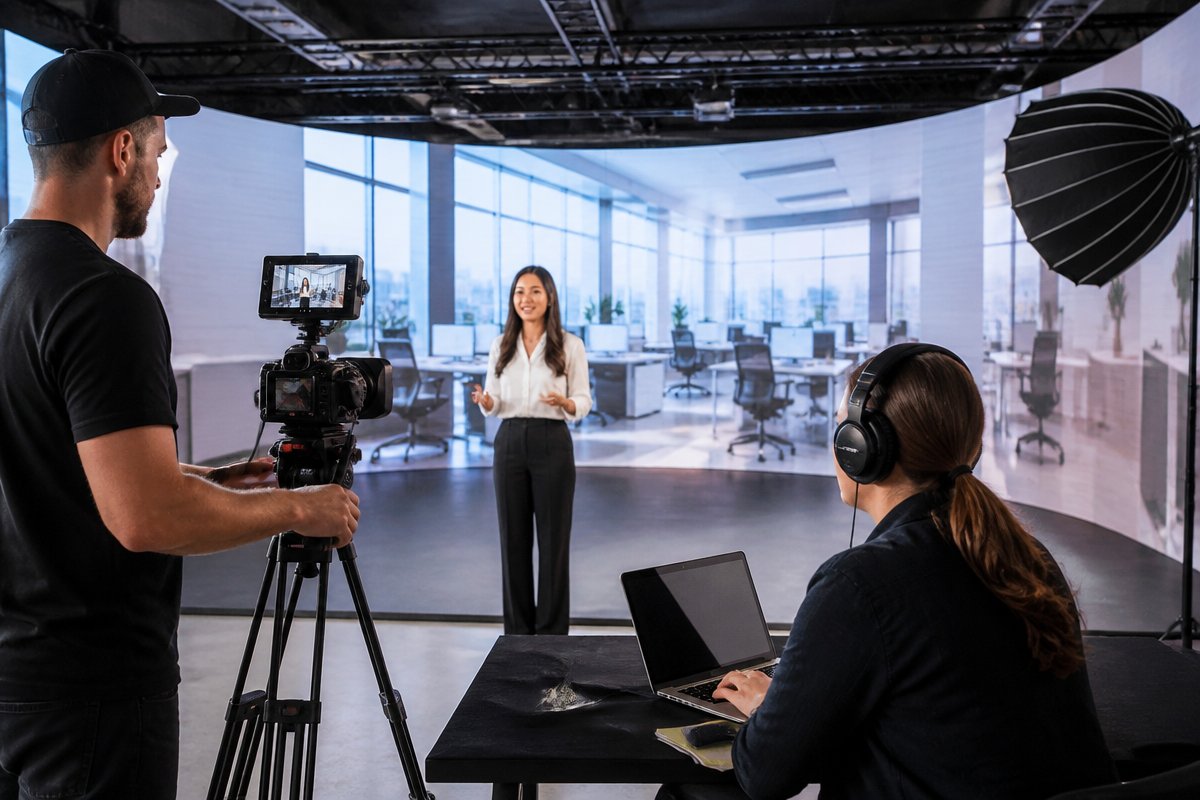
- Authentic settings: Filming in environments that mirror your actual workplace—whether that’s an office, warehouse, hospital, or government facility—makes scenarios feel relevant rather than hypothetical.
- Diverse characters: Employees should see people who look like them and face challenges similar to their own.
- Branching consequences: The best scenario videos show what happens when an employee makes the right choice and the wrong one, making the stakes tangible.
- Realistic dialogue: Scripts should sound like actual conversations, not corporate jargon read from a teleprompter.
Where Scenario-Based Training Excels
This approach is particularly effective for:
- Compliance and ethics training: Harassment prevention, data privacy, anti-bribery policies
- Safety protocols: Equipment handling, emergency response, hazardous material procedures
- Customer-facing skills: Sales techniques, service recovery, patient communication
- Leadership development: Difficult conversations, performance feedback, conflict resolution
- Cybersecurity awareness: Phishing recognition, password management, social engineering prevention
Government agencies and healthcare organizations in the DC metro area rely heavily on scenario-based training because the stakes are so high. A single compliance failure can result in regulatory penalties, lawsuits, or compromised public safety. Working with an experienced production team that understands these sectors ensures your scenarios are both technically accurate and emotionally compelling.
Microlearning: Small Bites, Big Impact
The average employee is interrupted every 11 minutes and takes 25 minutes to return to a task, according to research from the University of California, Irvine. Expecting workers to absorb a 45-minute training video in one sitting is fighting against basic human attention patterns.
Microlearning flips this model by breaking training content into focused segments of two to five minutes, each addressing a single concept or skill. This approach aligns with how modern employees consume content and fits naturally into busy workdays.
Designing an Effective Microlearning Video Series
Creating microlearning content requires more discipline than producing a single long video. Each segment must be self-contained yet part of a coherent curriculum. Here’s how to structure a microlearning video series:
- Map the learning journey: Identify every discrete skill or concept employees need to master, then assign each to its own video.
- Lead with the “why”: Open each video with a clear statement of why this specific skill matters to the learner’s daily work.
- Demonstrate, don’t lecture: Show the skill in action rather than explaining it in abstract terms.
- End with a single takeaway: Close each video with one clear action the learner should remember and apply.
- Sequence strategically: Arrange videos so that each builds on the previous one, creating a logical progression from foundational knowledge to advanced application.
Microlearning Use Cases That Deliver Results
Microlearning is especially effective for:
- Software training: Short tutorials for each feature of a new tool or platform
- Onboarding: A series of welcome videos covering company culture, benefits, systems access, and role expectations
- Product knowledge: Quick updates when new products or services launch
- Refresher training: Bite-sized reminders for annual compliance or certification renewals
- Just-in-time support: Quick-reference videos employees can access at the moment of need
Organizations across Northern Virginia, DC, and Baltimore are increasingly adopting microlearning because it reduces training time, improves completion rates, and allows for rapid content updates when policies or procedures change.
Interactive Video Elements: Turning Passive Viewers into Active Learners
The biggest limitation of traditional video is passivity. Employees press play, lean back, and let content wash over them without actively engaging their brains. Interactive video elements solve this problem by requiring learners to make decisions, answer questions, and navigate content based on their choices.
Types of Interactive Elements That Boost Retention
- Branching scenarios: Viewers choose how a character should respond, then see the consequences of their decision play out in real time. This transforms training from passive observation to active problem-solving.
- Embedded quizzes: Short knowledge-check questions appear at key moments, reinforcing learning before moving forward.
- Clickable hotspots: Viewers can click on specific areas of the screen to explore additional information, such as detailed procedures, related policies, or supplementary resources.
- Chapter navigation: Learners can jump to specific sections based on their existing knowledge, personalizing the experience and respecting their time.
- Simulated decision-making: Employees practice making real-world decisions in a safe environment, building confidence before facing those situations on the job.
How Interactive Video Improves Measurable Outcomes
Interactive training videos consistently outperform passive formats. A study published in the Journal of Educational Psychology found that learners who actively engaged with content through questions and decisions scored 20% higher on post-training assessments than those who watched the same content passively.
Beyond test scores, interactive elements provide valuable data. You can track which questions employees answer incorrectly most frequently, which decision paths they choose, and where they struggle—giving your L&D team precise insights for improving future training.
Production Quality Matters More Than You Think
Some organizations assume training videos don’t need the same production polish as marketing content. This is a costly mistake. Employees immediately sense when content feels cheap or thrown together, and that perception undermines the credibility of the training itself.
What Professional Production Brings to Training Video
- Cinematic lighting and audio: Clear visuals and crisp sound ensure nothing distracts from the learning content.
- Professional talent: Trained actors bring scenarios to life far more convincingly than reluctant employees drafted into on-camera roles.
- Motion graphics and animation: Complex processes, data visualizations, and abstract concepts become clear and engaging through well-designed graphics.
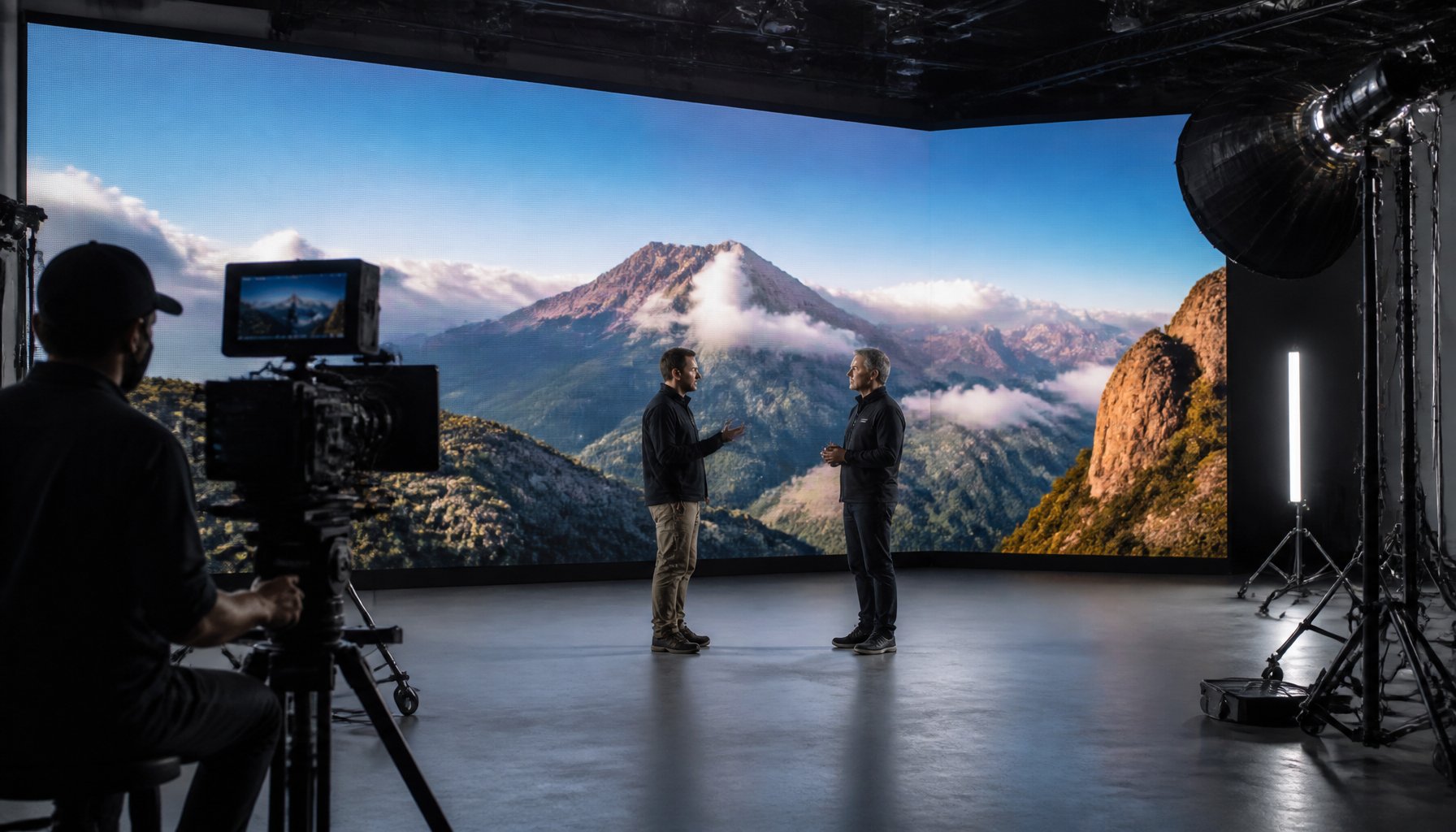
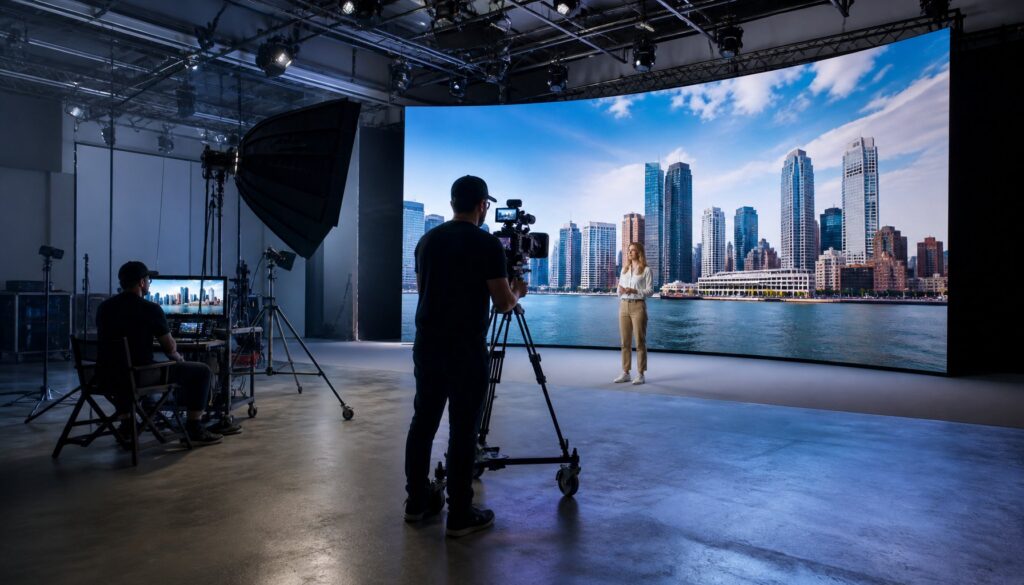
- Studio environment control: Filming in a professional studio eliminates background noise, inconsistent lighting, and other variables that plague on-location amateur shoots.
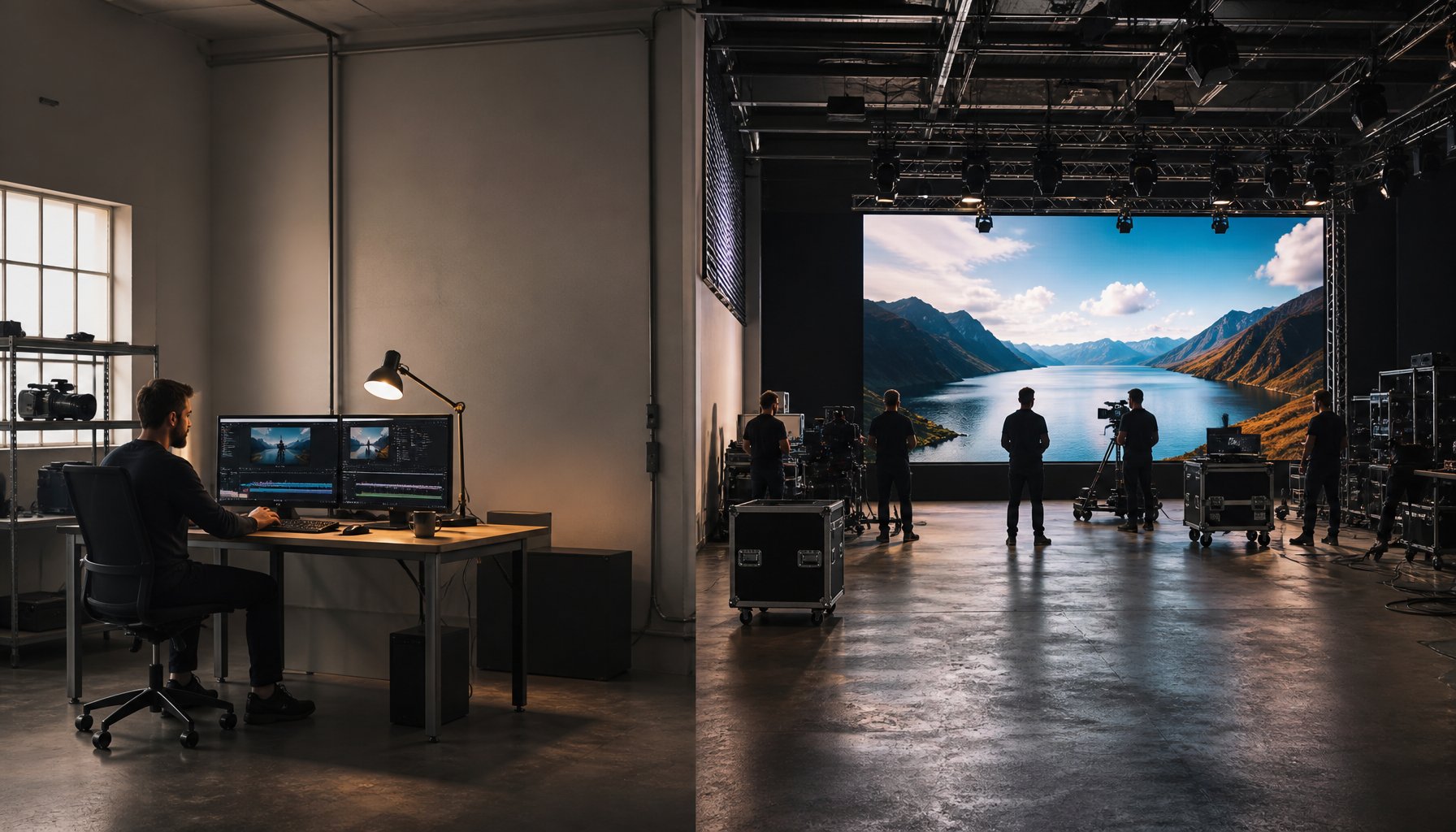
- Post-production excellence: Expert editing, color grading, sound mixing, and graphic overlays create a polished final product that employees take seriously.
TriVision Studios brings this level of quality to every training and educational video production project. With professional studio facilities in the DC metro area and experience producing content for government agencies, healthcare organizations, nonprofits, and corporations, the team understands how to balance production value with instructional effectiveness.
Building Your Training Video Strategy: A Practical Framework
Knowing that scenario-based learning, microlearning, and interactive elements work is one thing. Implementing them effectively requires a structured approach.
Step 1: Conduct a Training Needs Analysis
Before any cameras roll, identify what behaviors you need to change and what knowledge gaps exist. Interview managers, review performance data, and analyze incident reports to pinpoint exactly where training can make the biggest impact.
Step 2: Define Measurable Learning Objectives
Each video or series should target specific, measurable outcomes. “Employees will understand our safety policy” is vague. “Employees will correctly identify and report three categories of workplace hazards within 30 days of training” is actionable and measurable.
Step 3: Choose the Right Format for Each Objective
Not every training goal requires the same approach:
- Use scenario-based videos for interpersonal skills, compliance, and safety
- Use microlearning for software tutorials, product knowledge, and refresher content
- Use interactive elements for decision-making skills and critical thinking
- Use animation and motion graphics for technical processes and data-heavy content
Step 4: Partner with the Right Production Team
Your production partner should understand instructional design principles, not just filmmaking. Look for a team that asks about your learning objectives before discussing shot lists. The best training video production companies function as strategic partners who care about your outcomes, not just deliverables.
Step 5: Measure, Iterate, and Improve
Launch your videos, collect data on completion rates, assessment scores, and on-the-job performance changes, then refine future content based on what you learn. Training video production isn’t a one-time event—it’s an ongoing investment in your workforce.
Frequently Asked Questions About Employee Training Video Production
How long should employee training videos be?
For microlearning, aim for two to five minutes per video. For scenario-based content, five to eight minutes works well for maintaining engagement while allowing enough time for a realistic situation to unfold. If your content requires more time, break it into a series rather than producing a single long video. Research consistently shows that engagement drops significantly after the six-minute mark for instructional content.
Can training videos replace in-person training entirely?
Video is most effective as part of a blended learning strategy. Use video for knowledge transfer, demonstrations, and scenario practice, then reinforce learning through in-person workshops, group discussions, or hands-on exercises. Some organizations use video for 70-80% of their training delivery, reserving face-to-face sessions for collaborative activities and skill practice that require real-time feedback.
How do we ensure training videos stay current?
Build your video series in modular segments so individual videos can be updated without reshooting the entire program. Work with your production company to plan for future updates during the initial production. This might mean shooting additional B-roll, creating template graphics that can be easily modified, or structuring scripts so policy-specific details are confined to easily replaceable sections.
What makes an employee training video production company different from a general video production company?
A specialized training video production company understands adult learning theory, instructional design principles, and how to structure content for knowledge retention—not just visual impact. They’ll work with your subject matter experts to translate complex information into clear, engaging video content and help you build a strategic curriculum rather than producing isolated videos.
How do we measure the ROI of training video production?
Track metrics at multiple levels: completion rates, post-training assessment scores, on-the-job behavior changes, and business outcomes like reduced incident rates, fewer customer complaints, faster onboarding times, or improved compliance audit results. Compare these metrics against your pre-video training baseline to quantify the return on your investment.
Do employees actually prefer video-based training?
Overwhelmingly, yes. A 2026 survey by TalentLMS found that 83% of employees prefer video-based training over text-based materials or in-person lectures. Video allows learners to control their pace, revisit difficult concepts, and access training at convenient times—all factors that increase both satisfaction and knowledge retention.
Turn Your Training Investment into Measurable Results
Every dollar you spend on employee training should produce a visible return: faster onboarding, fewer mistakes, stronger compliance, better customer experiences, and a more confident workforce. The difference between training that transforms and training that’s forgotten by lunchtime comes down to how it’s designed and delivered.
As a trusted employee training video production company serving Washington DC, Northern Virginia, Baltimore, and Richmond, TriVision Studios combines cinematic production quality with instructional design expertise to create training videos that employees actually remember and apply. Whether you need scenario-based compliance training, a microlearning onboarding series, or interactive skills development content, TriVision’s team will partner with you from strategy through delivery.
Ready to transform your employee training? Contact TriVision Studios to discuss your training video production goals and discover how the right visual content can drive real results across your organization.